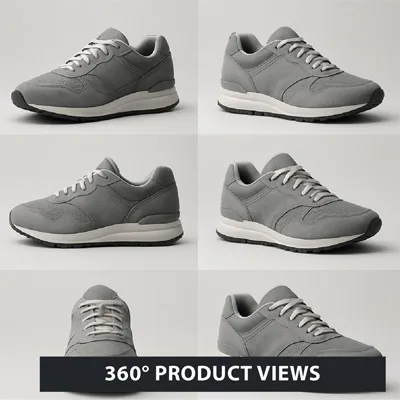
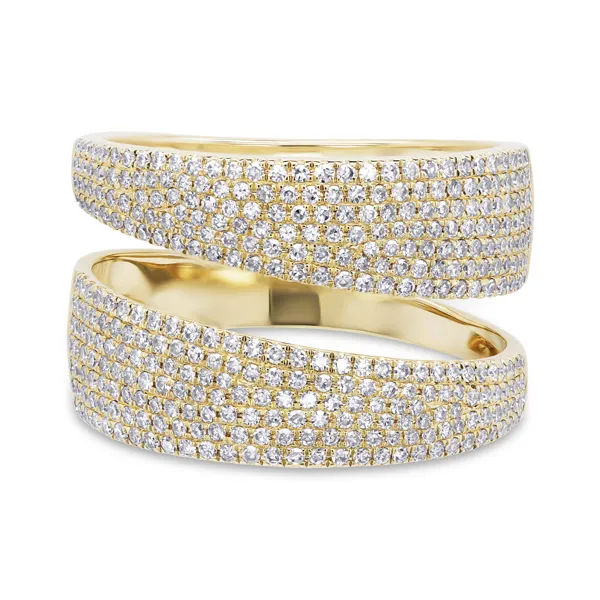
A photograph of a product may be clear but lack a lifelike element. It is the shadow, in most cases, that breathes life into the image, and for this reason, the significance of natural shadow effects in product images cannot be overstated. If there is harmony among shadows, light, the product’s surface, and its form, then the picture appears grounded rather than hovering.
Why Shadows Make All The Difference
Contrary to what many may think, shadows not only provide the background under a particular object in an image but also provide a lot of information about the direction of the light source, the weight of the object, and whether the product is actually resting on any surface. Without this element, an otherwise quality product photograph will seem incomplete and lack credibility.Soft Shadows vs Hard Shadows
Every product does not require the same kind of shadow. Most products require soft shadows because they provide a realistic shadow and look clean and tidy. Such shadows gently disappear into the background and are good for makeup products, food, accessories, and everyday items. Hard shadows are sharper and have a more exaggerated effect. They may be appropriate for fashion, technology, or creative campaign pictures, but they require proper lighting and a good light source. Otherwise, the picture will appear artificial because the light source and the shadow will not match.Start With a Good Lighting Source
The easiest way to apply the Natural Shadow Effect to Product Pictures is to start with proper lighting during the photo shoot. Proper diffused lighting will give a more realistic effect compared to direct lighting. The use of such tools as softboxes, diffusers, or daylight from the window will produce the desired shadow. The angle of the light should also be considered. It is best to use an angle of about 45 degrees.The Surface Also Matters
The surface underneath the product affects the appearance of the shadow. While a white matte board produces a clean and simple shadow, wood adds warmth and grounding. Reflection from glass or glossy surfaces might work well if your goal is to produce shadows of expensive products. Consider the mood of your product. Products made by hand would look good against textured surfaces. Modern gadgets are best represented on a clean background. The shadow should complement the product but not overpower it.Editing Shadows In Photoshop
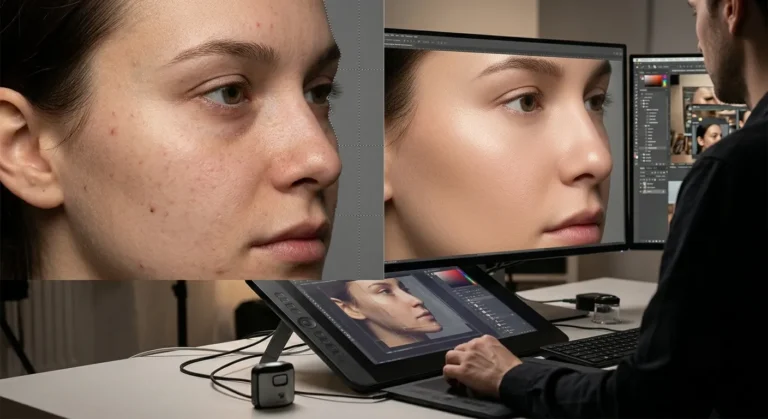
Sometimes, no matter how good your photograph is, a bit of retouching is necessary. In Photoshop, you need to create a new layer beneath the product and use a low-opacity brush to outline the shadow. Blur the edges of the shadow and lower its opacity to blend it into the picture. The main thing is to keep it subtle. An excessively dark, too sharp, and overly round shadow will be easily recognizable as an unnatural effect. Ideal natural shadow effects for product images should be seamless additions to an original photograph.Mistakes To Avoid
The first one has an uncoordinated shadow direction. When the light source shines on the product from the left side, the shadow should not be in another direction. The difference might be minor, but it will definitely give a weird feeling about the photo editing. The other issue is excessive editing. If the image has too much blurring or darkness, the effect becomes unreal. The purpose of the shadow is to accentuate the product, not to draw attention to itself.Why Professional Service Is Needed
When there are multiple product images, adding shadows one by one can take a lot of time. Moreover, it gets difficult to coordinate the style of all the pictures. That’s why a professional service is needed to avoid mistakes. Plexail provides services for adding natural shadow effects to product images for those brands that want to achieve quality results. Regardless of whether you require shadow adjustment, shadow addition, or full product editing services, Plexail is here to assist you. Call us at: +91 9819259097 For email: info@plexail.com
Can I create shadows in Photoshop even if I shoot on a plain background?
Yes, one can create a new layer and apply a shadow with soft edges under the product, changing the opacity and blur to give it a more natural look. If one wants the edited photo to appear more professional, we at Plexail can do that for you.
What kind of light is best for natural-looking shadows?
A soft light is the best choice. This means that either a softbox, diffuser, or cloudy-day window light can give a better result in terms of creating natural shadows. At Plexail, we help brands optimize product images.
How should I not create hard, unattractive shadows?
The light should be diffused, placed at a 45-degree angle, and reflectors will help to brighten the shadows. In case there is any problem with the shadow, Plexail can fix it.
Can reflection help to create shadows?
Yes, the glass material or anything glossy can create some subtle reflections and make the product more part of the scene. Plexail can improve this effect without overediting the image.
Should there be shadows for all items in the catalog in general?
Yes, there should be because uniformity will give a more professional view of the entire catalog. Consistency of direction, softness, and darkness of the shadows will create a unified look. Plexail provides consistent Natural Shadow Effects to Product Images Services for this very reason. Contact us at +91 9819259097.