Key Takeaways The warp tool in Photoshop lets you stretch, bend and reshape an image or layer. You can find […]
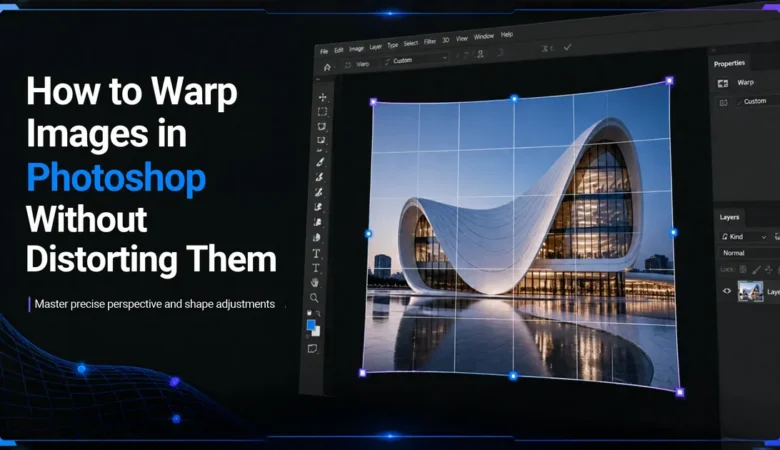


Key Takeaways The warp tool in Photoshop lets you stretch, bend and reshape an image or layer. You can find […]

Key Takeaways Selecting the person cleanly is key, but the blending is what makes the result believable. Matching the lighting, […]
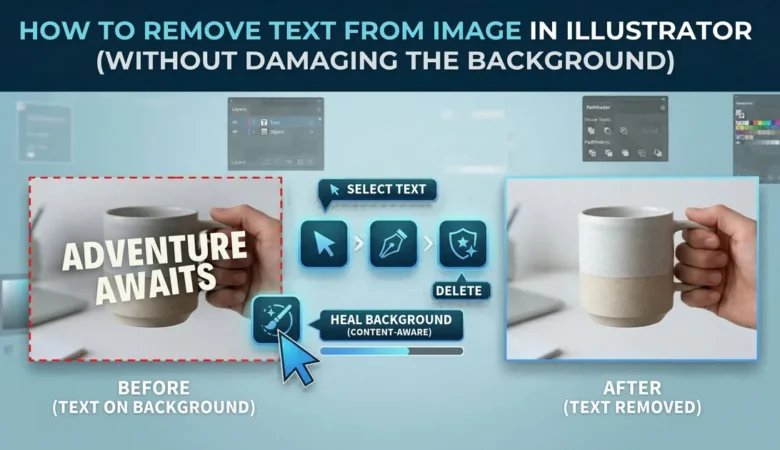
Key Takeaways Match the method to the background. Solid color, soft gradient, or blur? Clone and patch is quick. Textured […]
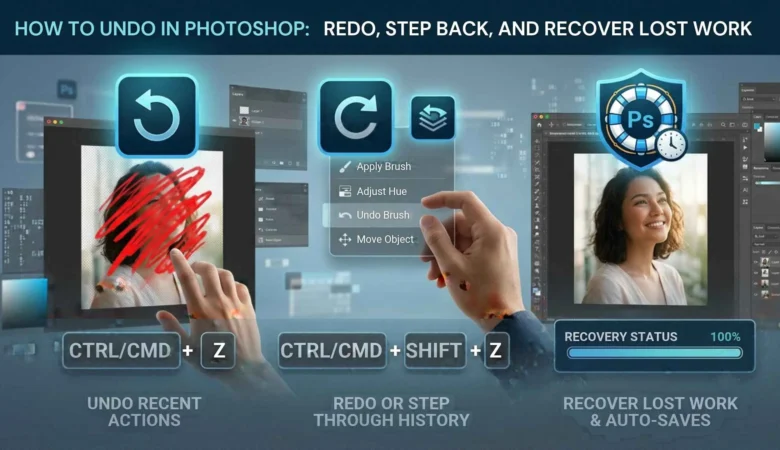
Key Takeaways Ctrl+Z (Windows) or Cmd+Z (Mac) is the quickest way to undo in Photoshop, but whether it goes back […]
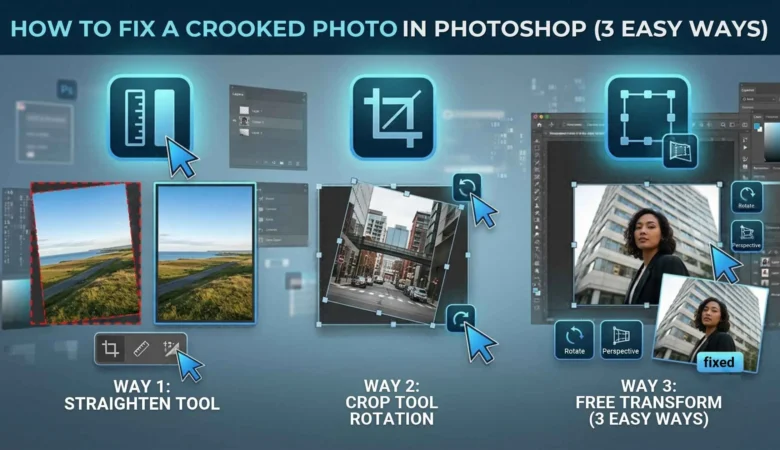
Key Takeaways The Free Transform tool lets you easily rotate your image or a single layer. The Ruler tool can […]

Key Takeaways Most places don’t require a craft-specific license to work as a photographer. Depending on your state, county, or […]

Key Takeaways A strong portfolio in one clear niche wins more work than expensive gear. Your first clients will mostly […]

Key Takeaways Portraits: Usually a few hundred dollars. Events: Usually charged hourly or as a package. Often $1,000+ Wedding: Highest […]

Key Takeaways Start by learning the basics, then choose your niche, build a portfolio and find clients. Clients want to […]
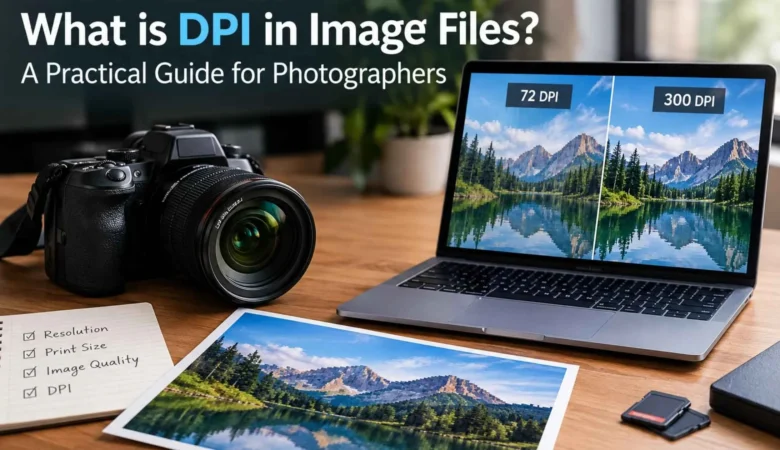
Key Takeaways DPI is a print setting. It controls how tightly a printer packs ink dots, not how your photo […]