Key Takeaways GIMP is free to use and can be used for both personal and business purposes. Adding an alpha […]
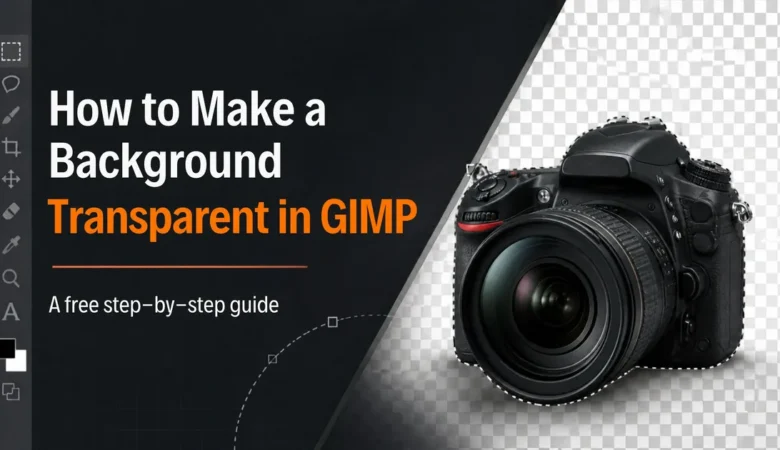


Key Takeaways GIMP is free to use and can be used for both personal and business purposes. Adding an alpha […]
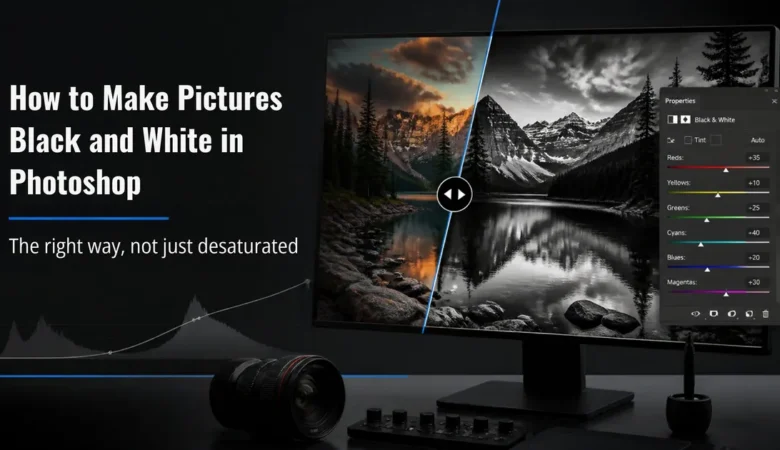
Key Takeaways Desaturate (Ctrl + Shift + U) is the fastest method, but it often gives flat, muddy gray results […]
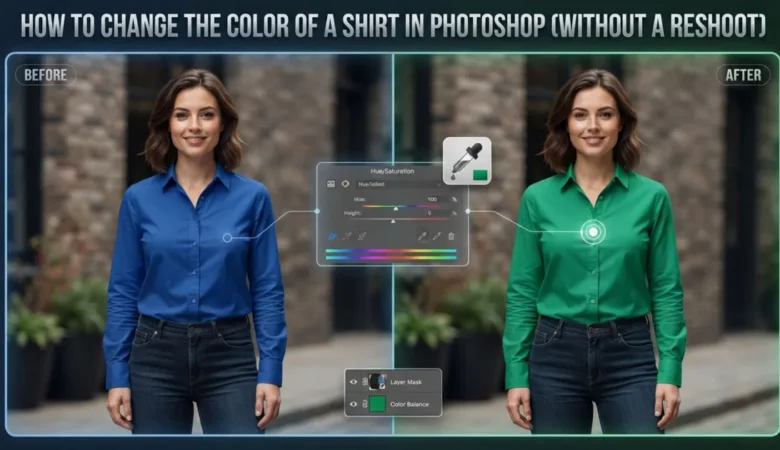
Key Takeaways You can create multiple versions of the same product using Adobe Photoshop. Use the Hue/Saturation adjustment layer for […]
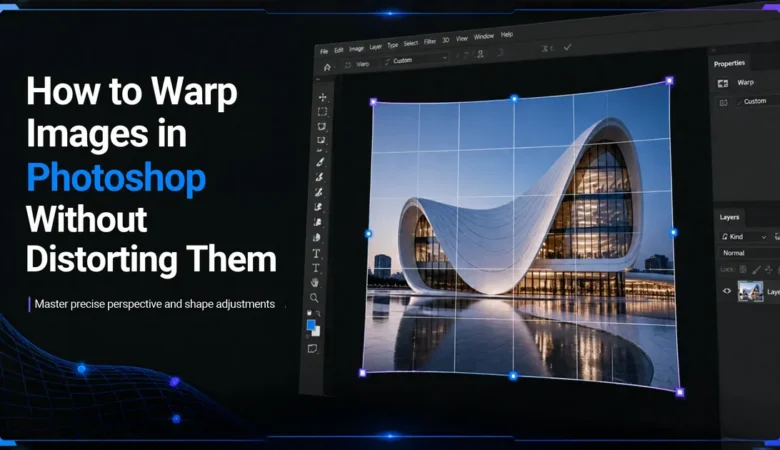
Key Takeaways The warp tool in Photoshop lets you stretch, bend and reshape an image or layer. You can find […]

Key Takeaways Selecting the person cleanly is key, but the blending is what makes the result believable. Matching the lighting, […]
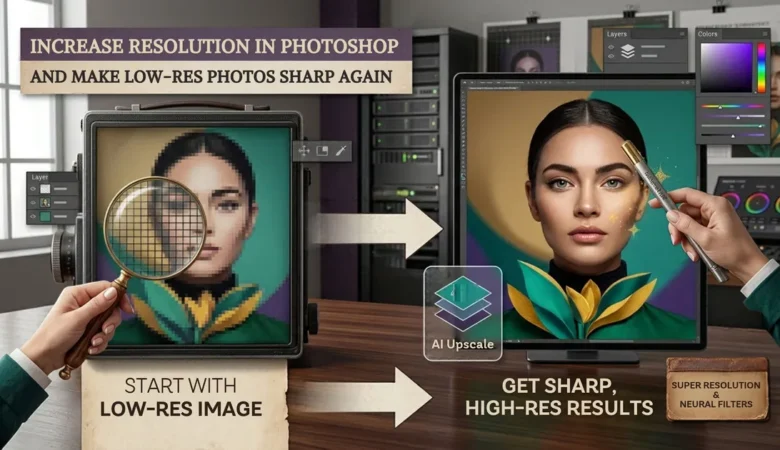
Key Takeaways Increasing resolution adds pixels. It doesn’t automatically add real detail. Careful upscaling, noise reduction, and selective sharpening can […]
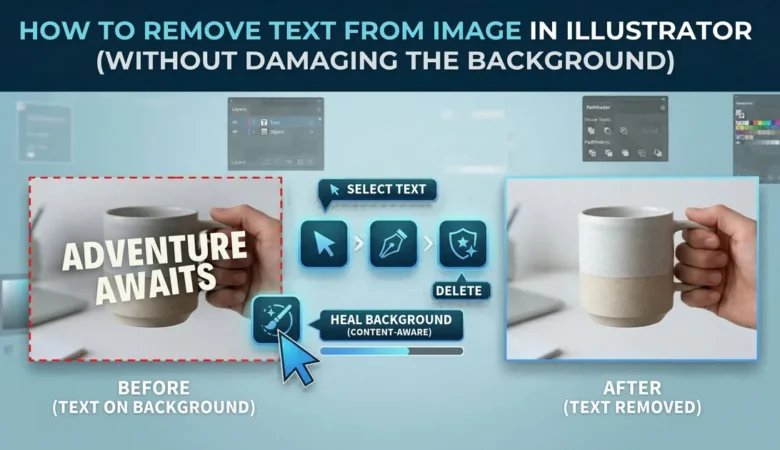
Key Takeaways Match the method to the background. Solid color, soft gradient, or blur? Clone and patch is quick. Textured […]
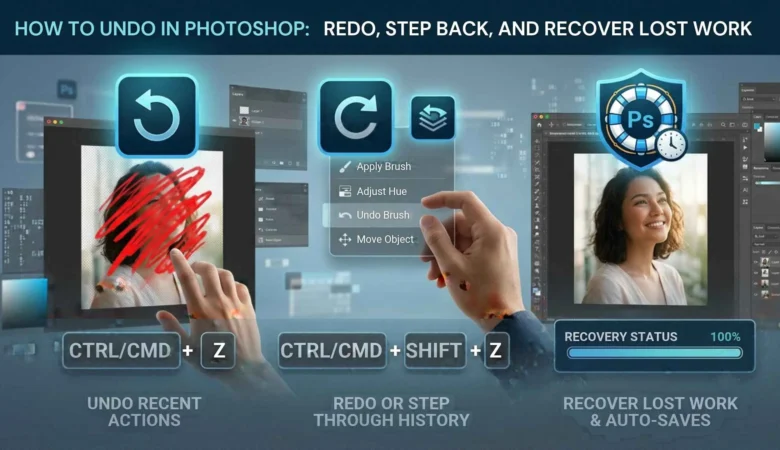
Key Takeaways Ctrl+Z (Windows) or Cmd+Z (Mac) is the quickest way to undo in Photoshop, but whether it goes back […]
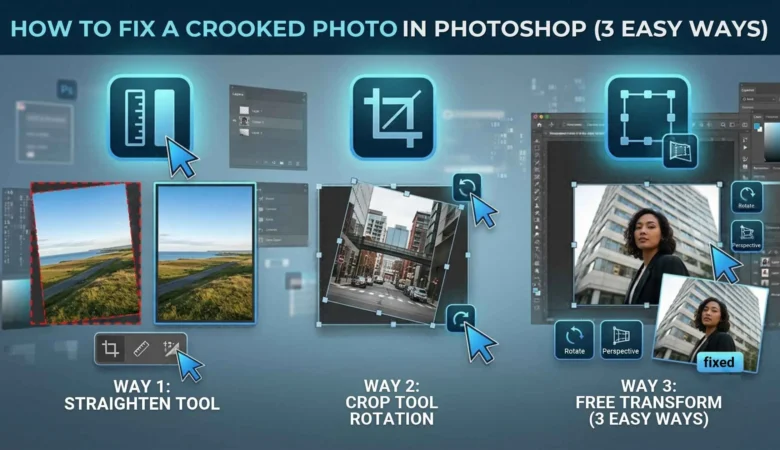
Key Takeaways The Free Transform tool lets you easily rotate your image or a single layer. The Ruler tool can […]
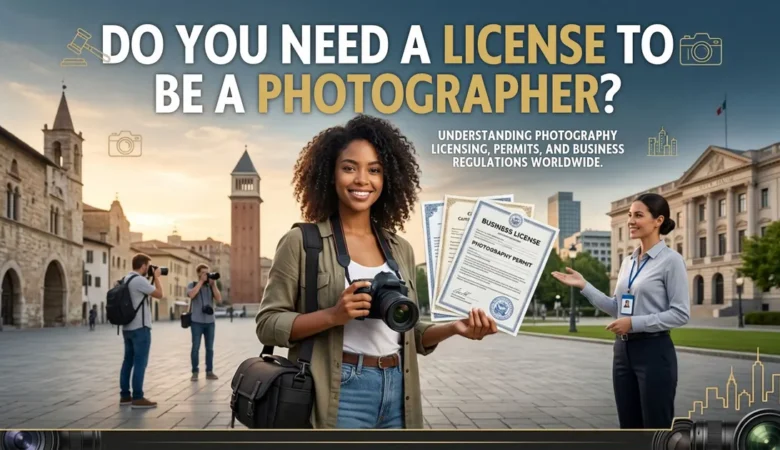
Key Takeaways Most places don’t require a craft-specific license to work as a photographer. Depending on your state, county, or […]