Key Takeaways GIMP is free to use and can be used for both personal and business purposes. Adding an alpha […]
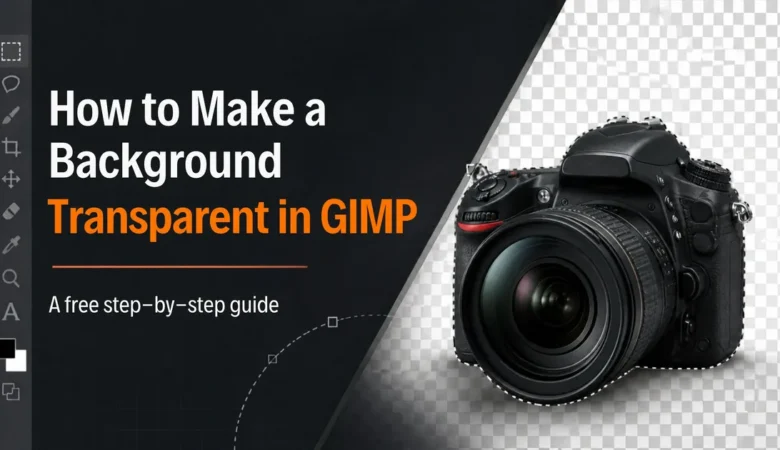


Photo Editing & Image Post-Production Expert at Plexail
View LinkedInWith over 23 years of industry experience, Pankaj Sinha is the Founder and Managing Director of Plexail, a leading digital solutions company specializing in photo editing, image retouching, digital asset management, and post-production services. Throughout his career, he has successfully delivered high-quality image editing and cataloguing solutions for international clients across eCommerce, publishing, photography, luxury retail, and auction houses. His expertise includes managing complex image workflows, developing scalable production teams, and implementing quality-driven post-production processes. Pankaj has worked with globally renowned auction houses including Christie's, Bonhams, John Moran, Millon, and Andrew Jones, providing image enhancement, retouching, cataloguing, and digital production support. Beyond photo editing, he has also contributed to projects involving digital publishing, cross-media solutions, animation, mobile application development, and e-learning content. As a business leader, he focuses on building high-performing teams, maintaining exceptional quality standards, driving operational excellence, and helping businesses create visually compelling digital experiences.
"Quality, consistency, and continuous innovation are the foundation of every successful digital imaging project. My goal is to help businesses present their products with precision and excellence."
Although no formal academic qualifications or certifications are listed publicly, the profile highlights:
Key Takeaways GIMP is free to use and can be used for both personal and business purposes. Adding an alpha […]
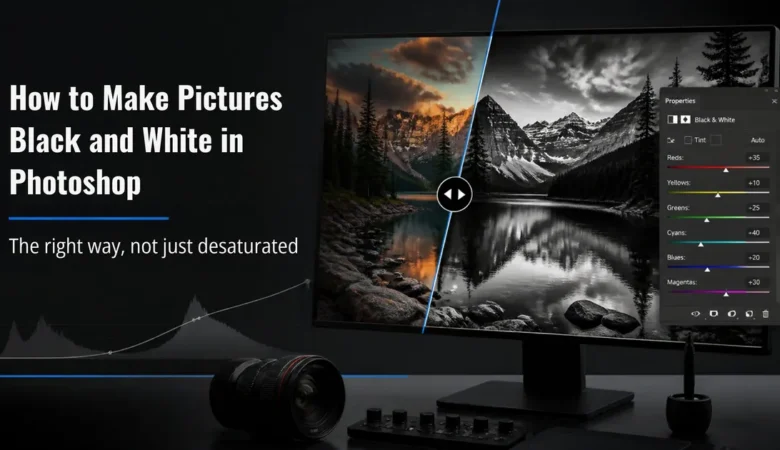
Key Takeaways Desaturate (Ctrl + Shift + U) is the fastest method, but it often gives flat, muddy gray results […]
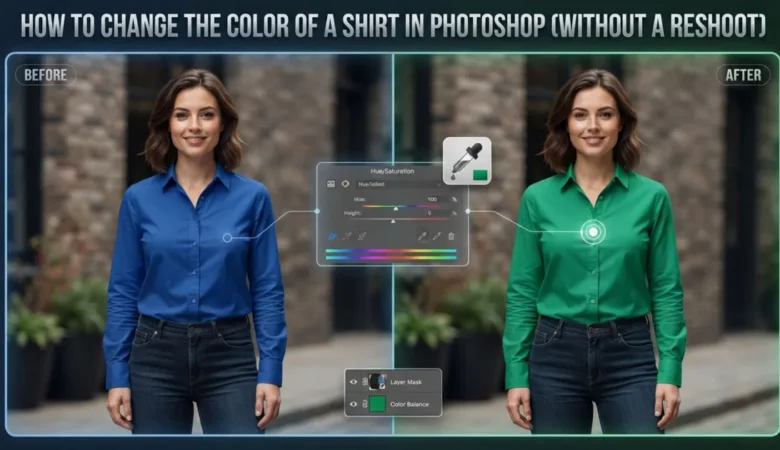
Key Takeaways You can create multiple versions of the same product using Adobe Photoshop. Use the Hue/Saturation adjustment layer for […]
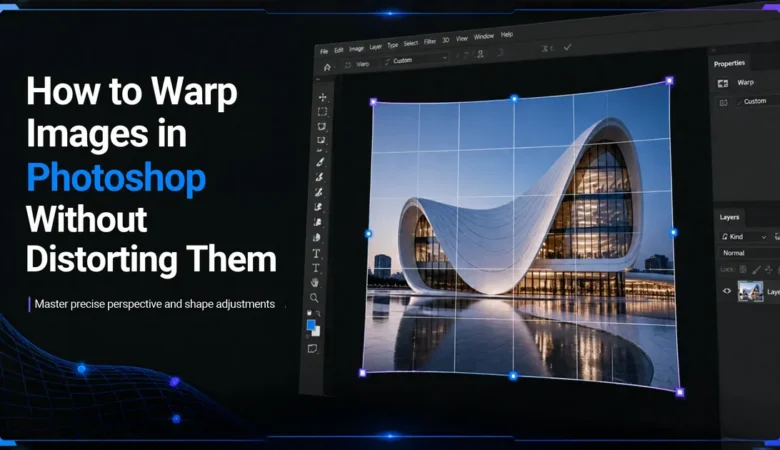
Key Takeaways The warp tool in Photoshop lets you stretch, bend and reshape an image or layer. You can find […]
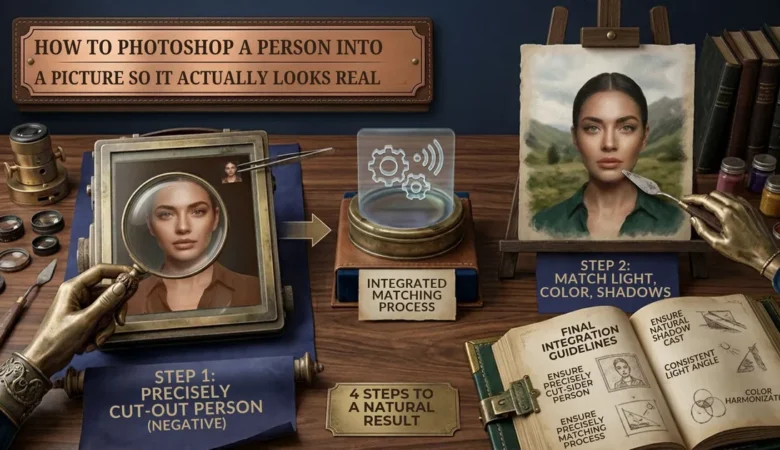
Key Takeaways Selecting the person cleanly is key, but the blending is what makes the result believable. Matching the lighting, […]
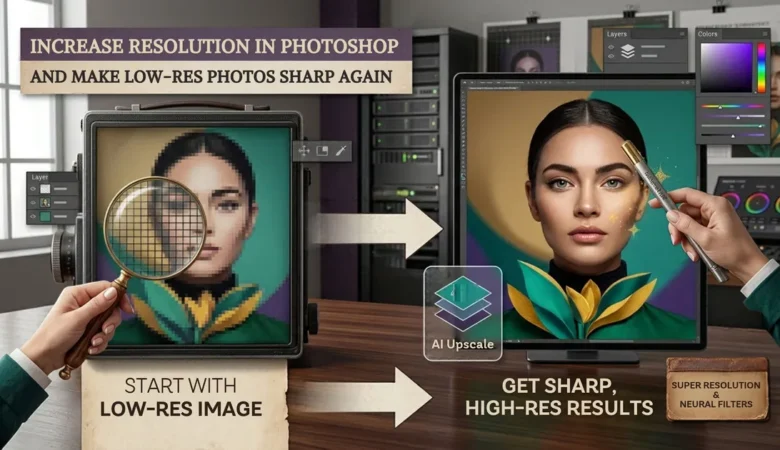
Key Takeaways Increasing resolution adds pixels. It doesn’t automatically add real detail. Careful upscaling, noise reduction, and selective sharpening can […]
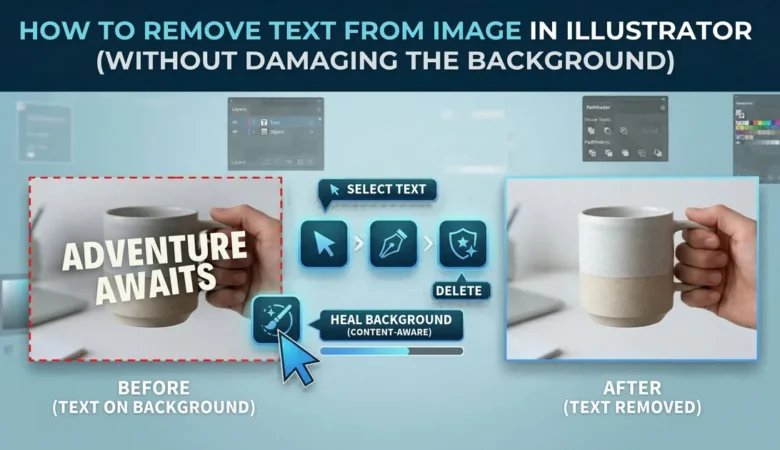
Key Takeaways Match the method to the background. Solid color, soft gradient, or blur? Clone and patch is quick. Textured […]
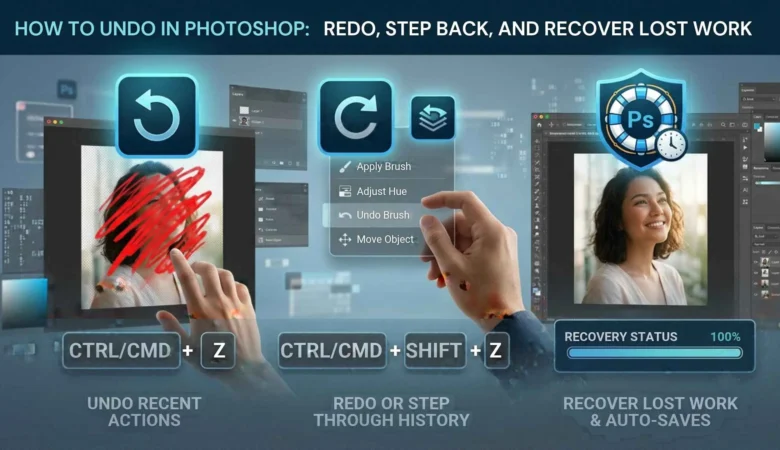
Key Takeaways Ctrl+Z (Windows) or Cmd+Z (Mac) is the quickest way to undo in Photoshop, but whether it goes back […]
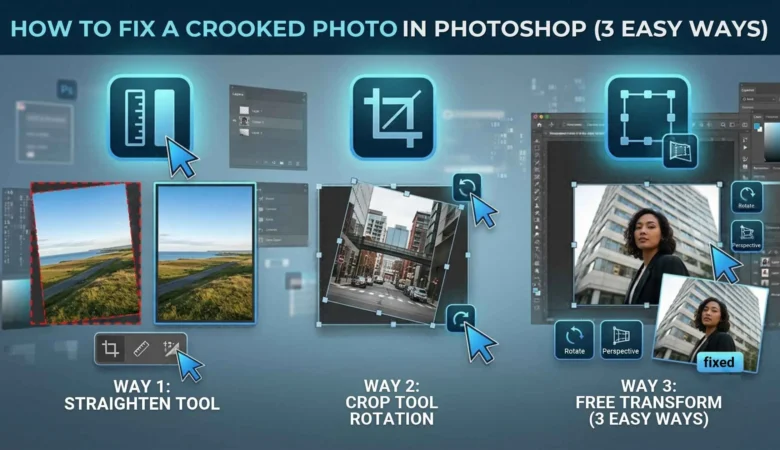
Key Takeaways The Free Transform tool lets you easily rotate your image or a single layer. The Ruler tool can […]
Key Takeaways Most places don’t require a craft-specific license to work as a photographer. Depending on your state, county, or […]