Key Takeaways TIFF keeps full image quality, which makes it ideal for editing masters, printing, and long-term archives. JPEG trades […]
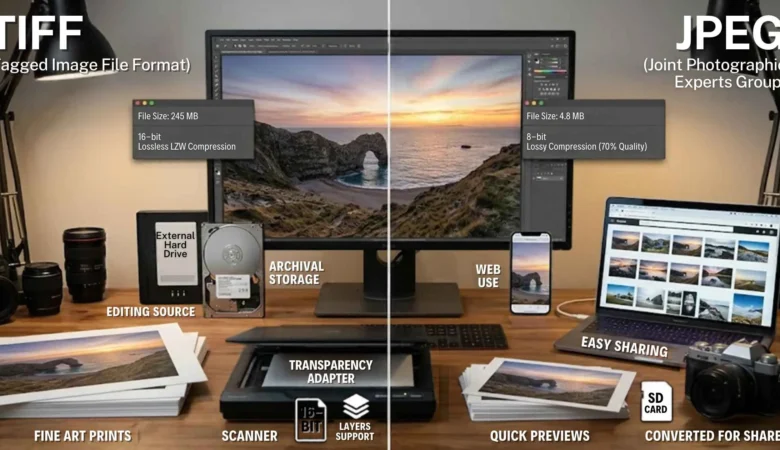


Key Takeaways TIFF keeps full image quality, which makes it ideal for editing masters, printing, and long-term archives. JPEG trades […]
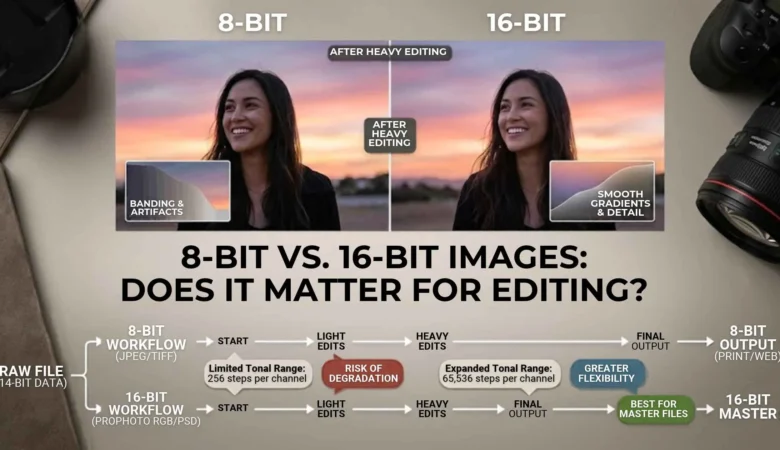
Key Takeaways Edit in 16-bit and export pictures in 8-bit as JPEG for web or print. 16-bit depth helps you […]
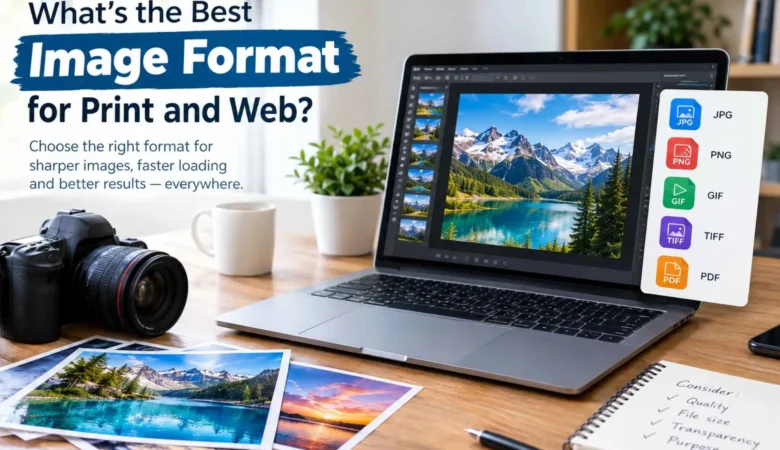
Key Takeaways If the file is going to print, go with TIFF. If it’s going on a website, WebP or […]
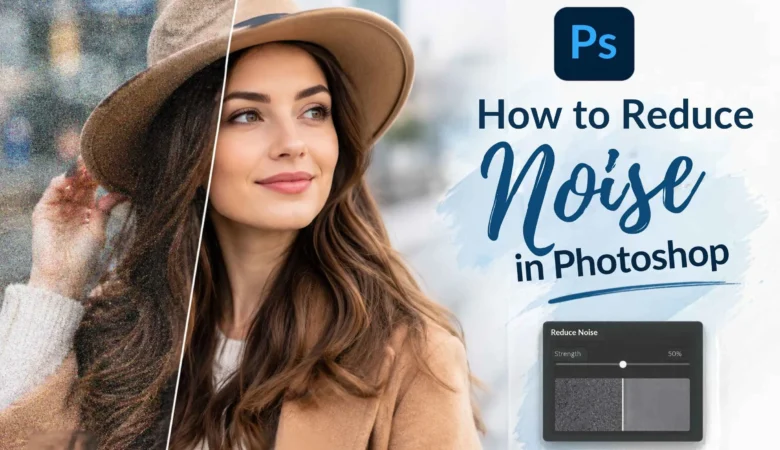
Key Takeaways Identify the noise first. Luminance noise is grain, and color noise is random colored specks. Choose the Reduce […]
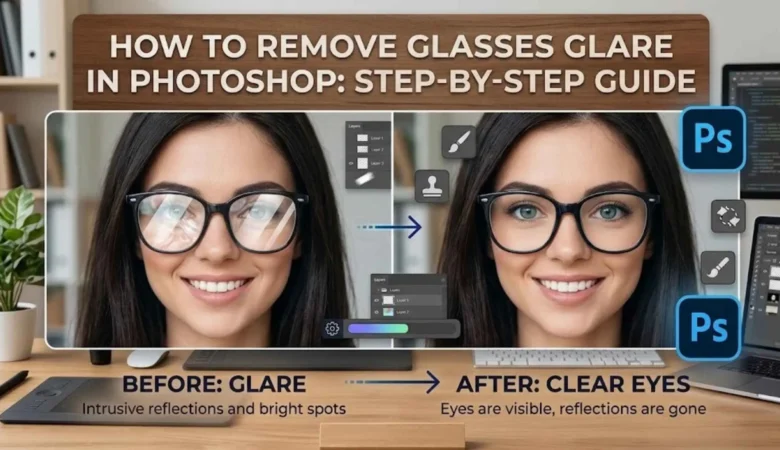
Key Takeaways Small reflections are usually fixed by sampling clean areas with the Clone Stamp or Healing Brush. If one […]
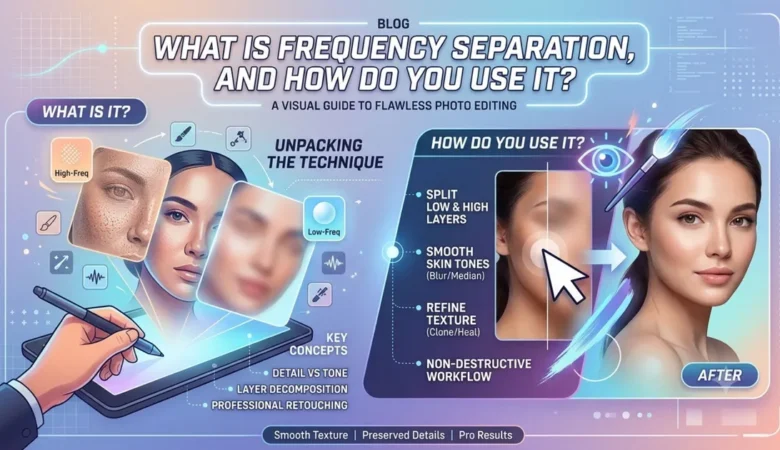
Key Takeaways Frequency separation splits an image into a texture layer and a color-and-tone layer. Use it to clean blemishes, […]

Key Takeaways Keep the lighting simple. A single window or lamp gives you soft, natural shadows instead of a messy […]
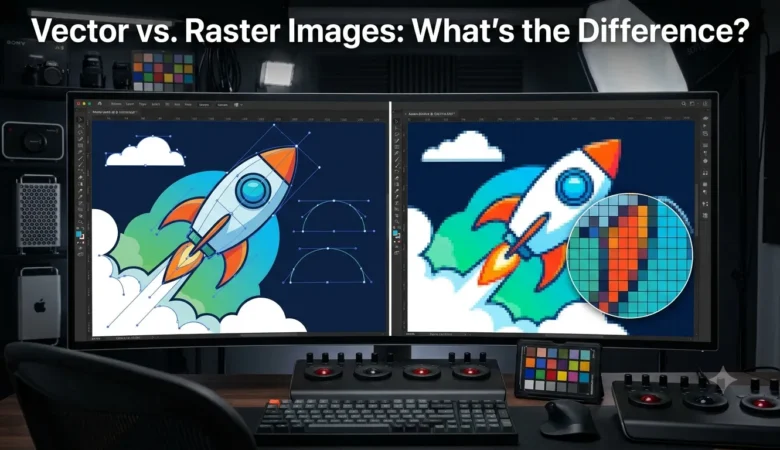
Key Takeaways Raster images are pixels; photos and detailed artwork are almost always raster. Vector images are math; logos and […]

Key Takeaways Shadows add depth and credibility. Without one, even a perfect cutout looks fake. Soft shadows suit most products. […]
Key Takeaways Small blemishes and sensor spots: Spot Healing Brush. Larger objects: Clone Stamp, Patch, and Content-Aware or Generative Fill. […]