Key Takeaways
- If the file is going to print, go with TIFF. If it’s going on a website, WebP or a well-compressed JPEG is usually the better call.
- Logos, screenshots, and anything with a see-through background? PNG handles those best.
- Shot something you might want to edit or restore down the line? Hold on to the RAW file. You can’t get that detail back once it’s gone.
- Avoid GIFs for photographs: They support only 256 colors, so photos lose smoothness and detail.
- Quality isn’t only about the format. A 300 DPI file at the final print size matters just as much.
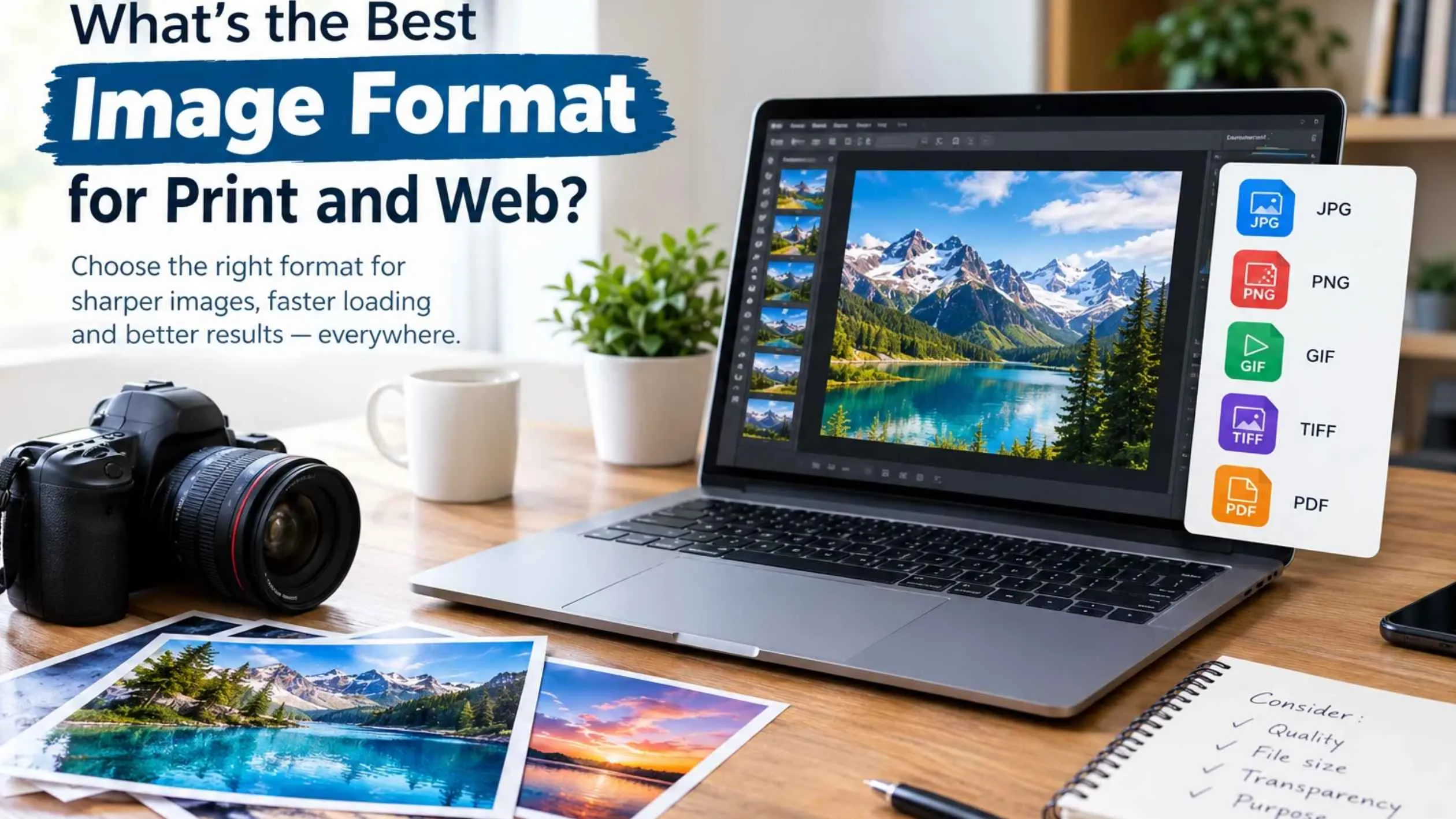
No single image format suits every job. For the highest quality image format, TIFF is usually the strongest choice for finished photos and print files. JPEG and WebP, on the other hand, keep website images light and quick to load. Your decision comes down to one question: do you need to preserve every last detail or keep the file small?
This guide walks through the most common image file formats, explains where each one fits, and ends with a clear print-versus-web recommendation.
How Image Formats Differ
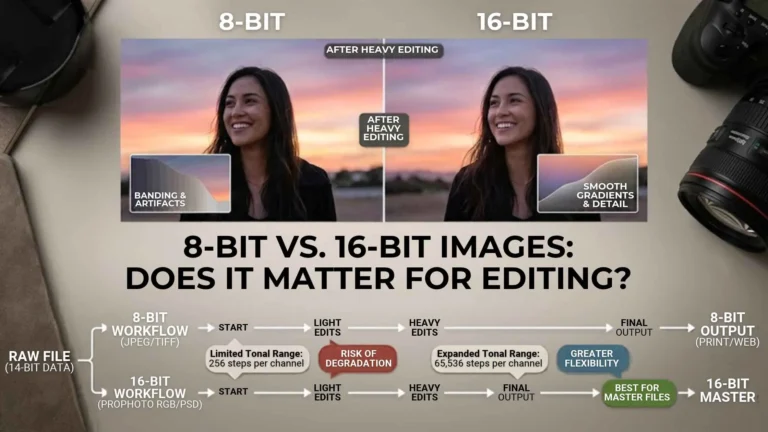
Formats mainly differ in how they compress a picture. Lossy formats such as JPEG discard some image data to reduce file size. Lossless formats like PNG and TIFF preserve all of the original data, so you can reopen the image without any further loss.
Smaller images are quicker to send and load, but every bit of shrinking takes a little detail with it. A smaller file is easier to upload, share, and open on a webpage. A larger lossless file, however, protects fine detail, color accuracy, and editing flexibility. Formats also vary in whether they support transparent backgrounds, animation, and wide color ranges.
Here is a simple example. A photo saved as a TIFF may look almost identical to a high-quality JPEG on screen, yet the TIFF can be many times larger. That extra weight is worth carrying for a print job or an archive, but it is wasted on a webpage.
The Main Formats Explained
These are the photo file types most people come across:| Format | Best use | Compression | Transparency | Main strength |
|---|---|---|---|---|
| JPEG/JPG | Web photos, email, social media, everyday prints | Lossy | No | Small files work almost everywhere |
| PNG | Logos, screenshots, graphics | Lossless | Yes | Sharp edges, clean transparency |
| TIFF | Professional printing, scanning, archiving | Usually lossless | Yes | Maximum detail, print reliability |
| WebP | Modern websites | Lossy or lossless | Yes | Strong compression, good quality |
| RAW | Original camera files, advanced editing | Uncompressed or lightly compressed | No | Full editing control |
Best Format for Print
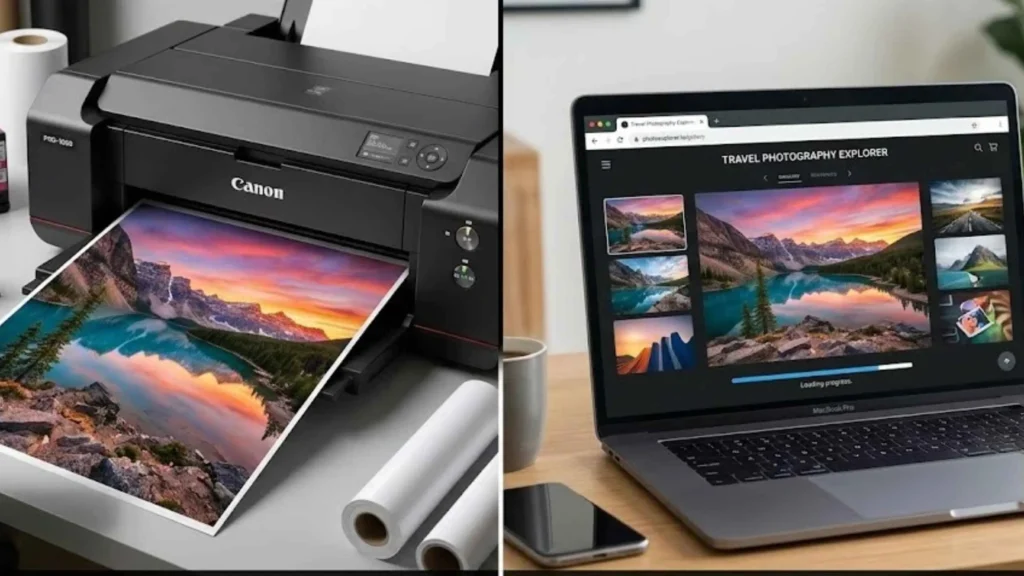
For printing, TIFF is usually the highest quality picture format. It holds on to fine detail and smooth color transitions far better than a heavily compressed JPEG, which is why photographers, designers, and print studios rely on it for final images, large enlargements, and archival copies.
Resolution Matters for Print Quality
Resolution matters just as much as the format itself. As a general rule, save print images at 300 DPI at the final print size. DPI simply means dots per inch, or how much detail fits into each printed inch. A low-resolution image may look fine on a phone yet turn soft or pixelated once it is enlarged.
When JPEG Is Suitable for Printing
That said, a high-quality JPEG can still print well, particularly for everyday photos, invitations, and smaller prints. The real danger is saving a JPEG over and over, because each re-save compresses the image again and slowly erodes detail. For anything important, keep a TIFF or RAW master and export JPEG copies only when you need them.
Print Recommendation
Save the final version as a TIFF at 300 DPI, or ask your printer which format and resolution they prefer.
Best Format for Web
On a website, speed comes first. Visitors expect pages to load quickly, and oversized images are among the most common reasons they don’t. For that reason, WebP is usually the best pick for web photos, with compressed JPEG as a reliable backup.
WebP Compression Benefits
The savings are significant. According to Google, lossy WebP images are typically 25–34% smaller than comparable JPEGs, while lossless WebP files run about 26% smaller than PNGs.
Recommended Image Formats for Different Web Uses
A simple approach works well here:
- Photographs: WebP or high-quality JPEG
- Logos and icons: PNG, SVG, or WebP
- Transparent images: WebP or PNG
- Simple animations: WebP or GIF, depending on compatibility
- Large hero images: WebP, resized before upload
Resize Images Before Uploading
Never upload a full-resolution camera photo straight to your site. Resize it to the size it will actually appear, then compress it. A 4,000-pixel-wide photograph has no reason to sit inside an 800-pixel-wide section.Quick Decision Guide
Use this cheat sheet when you are choosing between image file formats:
- Highest quality image format for print or archiving? TIFF
- Photo for a website? WebP, or JPEG if compatibility matters more
- Transparent background? PNG or WebP
- Logo or screenshot with sharp text? PNG
- Heavy photo editing? Start with RAW or TIFF, then export copies.
- Emailing or sharing quickly? JPEG
- Animated graphic? GIF or WebP, but never for a detailed photo
Need Help Choosing the Right Format?
If you are unsure whether to use TIFF, JPEG, PNG, or WebP, start with what the image will be used for. TIFF is the highest quality image format for masters, so keep one (or a RAW file) of important work, then export optimized WebP or JPEG copies for the web.
For professional guidance on image optimization, web-ready visuals, and digital content that loads fast without losing quality, contact Plexail at +91 9819259097 or email info@plexail.com.