Key Takeaways
- TIFF keeps full image quality, which makes it ideal for editing masters, printing, and long-term archives.
- JPEG trades a little detail for much smaller files, which suits websites, email, and social media.
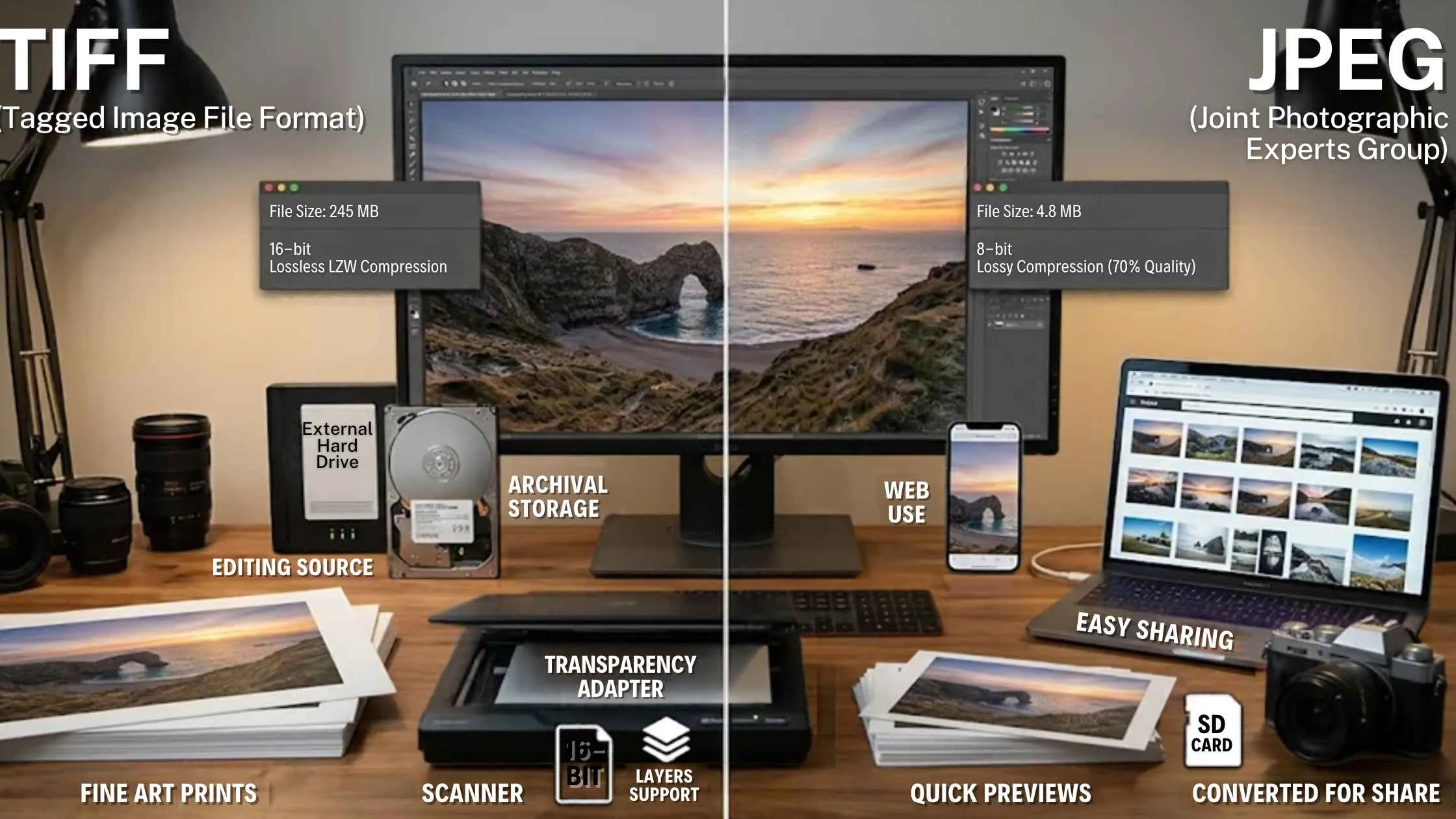
- A TIFF is often several times larger than the same photo saved as a JPEG.
- JPEG loses a bit of quality every time you re-save it, while TIFF does not.
- Many photographers use both: TIFF for the master copy and JPEG for delivery.
Introduction
If you’ve ever wondered about TIF vs JPEG, the short answer is this: TIFF is a lossless format that keeps every bit of image data, so it suits editing, printing, and archiving, while JPEG is a compressed format that gives you small files that are quick to share and load online. TIF and TIFF are the same format, only the file extension differs.
The real trade-off is quality and file size on one side, and convenience and speed on the other. Pick the wrong format, and you either end up with a bloated hard drive or a soft, blocky print. This guide explains what each format is, how they differ, and when each one makes sense, so you can choose with confidence.
What Is a TIFF File?
So, what is TIFF? The name stands for Tagged Image File Format. It is a lossless format, which means it stores your image without throwing away any data. Even if you open, edit, and save a TIFF fifty times, the quality stays the same.
TIFF files can also hold extras that other formats can’t, such as multiple layers, high bit-depth color, and detailed metadata. That is why print studios, scanning services, and museums rely on them. The downside is size. Because nothing is discarded, a single TIFF can run to tens or even hundreds of megabytes. Web browsers also don’t display TIFFs well, so they aren’t practical for online use.
What Is a JPEG File?
JPEG is the most familiar of all photo file types, and it’s probably what your phone saves by default. It uses lossy compression, which discards fine detail that the human eye is unlikely to see. The result is a file that is a fraction of the size of a TIFF, and you can adjust the compression level to balance quality against size.
Its biggest strength is compatibility. Every phone, browser, email client, and social platform handles JPEGs without any fuss.
The catch is something called generation loss. Each time you edit and resave a JPEG, a little more detail is lost, and over time you may notice blurring or blocky patches around sharp edges.
If you’re also comparing PNG vs. JPEG, the difference is simple. PNG is lossless and works well for logos, screenshots, and graphics with transparency, whereas JPEG is the better choice for ordinary photographs because the files stay much smaller. Our guide to the best image format for print and web covers all three in more detail.
TIF vs JPEG: Key Differences
Here is how the two formats compare on the points that matter most in daily work:| Feature | TIFF | JPEG |
|---|---|---|
| Compression | Lossless (or none) | Lossy |
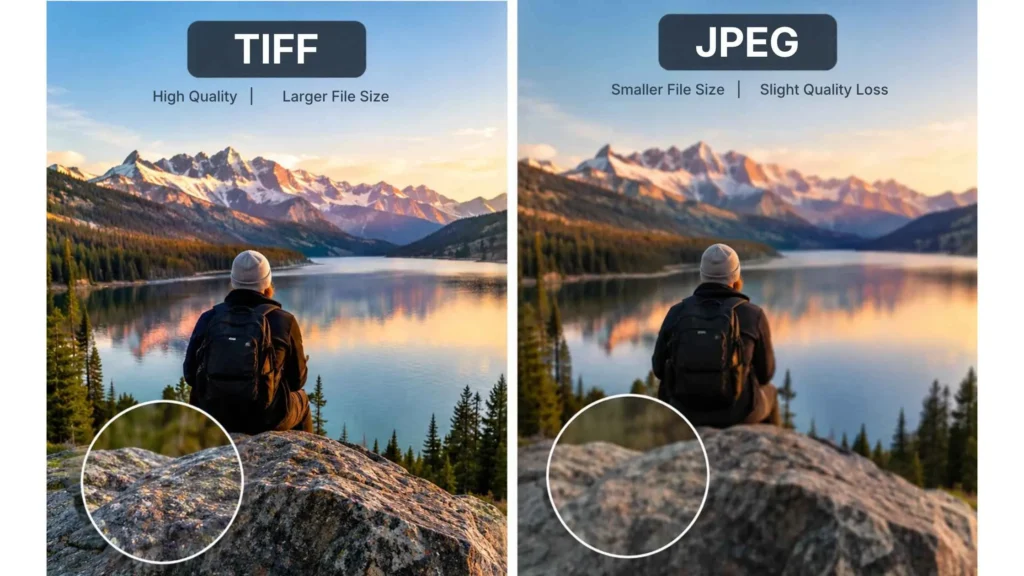
| Image quality | Full detail preserved | Slight loss, adjustable |
| File size | Very large | Small |
| Repeated editing | No quality loss | Quality drops with each save |
| Layers and metadata | Supported | Limited |
| Compatibility | Good for editing and print software, poor for browsers | Works almost everywhere |
| Best for | Masters, print, archives | Web, email, sharing |
When to Use TIFF?
Choose TIFF whenever quality matters more than convenience. In practice, that usually means one of these situations:
- Editing masters: If you retouch a photo over several sessions, a TIFF keeps it clean from the first edit to the last.
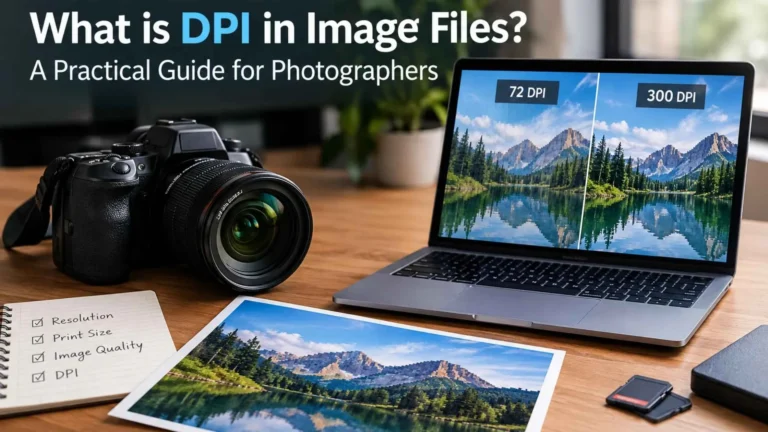
- Printing: Large prints, exhibition pieces, and work meant for sale show compression flaws quickly, so TIFF is the safer choice. Pair the file with the right resolution, which our guide on what DPI means for print explains.
- Archiving: For important family photos, client work, or film negatives, a TIFF acts as a dependable original that won’t degrade.
- Scanning: When you digitize film, slides, or artwork, scanning to TIFF captures subtle tones and color gradations that JPEG might flatten.
Just make sure you have enough storage, because these files fill a drive faster than you might expect.
When to Use JPEG
JPEG is the right pick when speed and size matter more than pixel-perfect detail. Use it for website images, blog posts, email attachments, social media uploads, and client preview galleries. A well-compressed JPEG looks great on screen, loads quickly, and won’t clog anyone’s inbox.
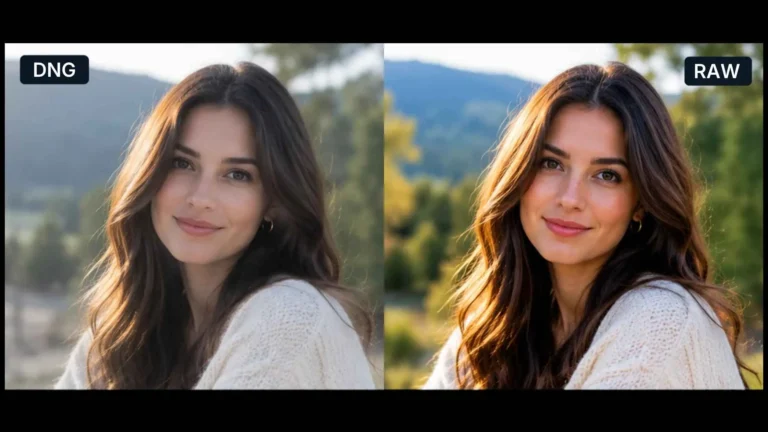
A good habit is to edit in TIFF, or another non-destructive format, and export to JPEG only once at the very end. That way you get the best of both worlds without piling up compression damage. If you shoot RAW, our guide to DNG vs. RAW explains which master file to keep.
Need Help Preparing Your Images?
Still unsure which format suits your project? The team at Plexail can point you in the right direction. Our photo editing services team prepares and delivers files in the format you need. Call +91 9819259097 or write to info@plexail.com.