Key Takeaways
- Clean, consistent backgrounds (usually white) make products look professional and load fast.
- Accurate colour is non negotiable. Wrong colour is the top cause of returns and bad reviews.
- Natural shadows stop products floating and add believable depth.
- Consistency across the catalogue matters more than any single hero shot.
1. Clean, Consistent Backgrounds
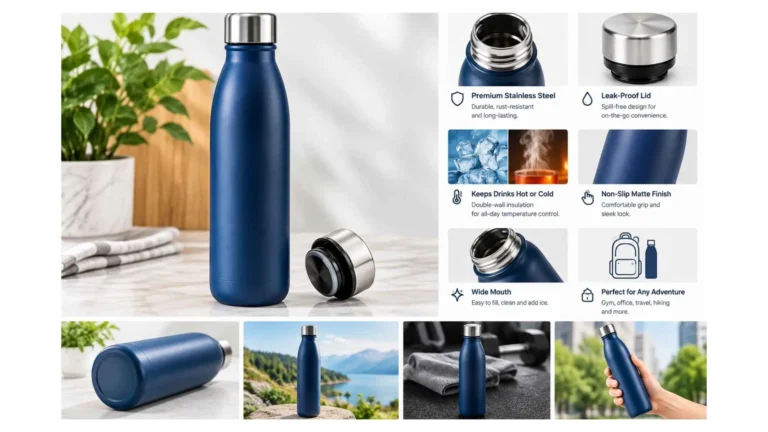
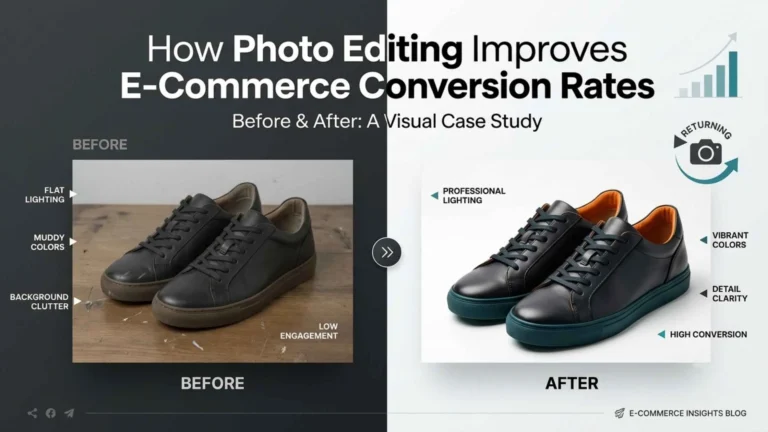
Pure white or neutral is the e commerce standard for a reason: it kills distractions, meets most marketplace rules (Amazon included), and keeps every listing uniform. The key is a precise background removal, not a rough eraser job, so the cutout actually looks professional.
2. Nail the Colour
Colour accuracy is the edit that most directly affects returns. If the real colour does not match the photo, customers feel misled and send it back. Fix white balance and match to the physical product so what ships is what sold.
3. Add Natural Shadows
A product cut onto white can look like it is hovering. A natural drop or reflection shadow grounds it and adds depth, so the image reads real rather than pasted. Small edit, big effect on perceived quality.

4. Keep the Catalogue Consistent
Same angle, same crop, same lighting, same background across every product. A tidy grid of images says trustworthy, established store. A mismatched one says the opposite, no matter how good each photo is on its own.5. Remove Distractions, Not Reality
Take out dust, fingerprints, stray threads, sensor spots. Do not edit away real features. Over retouched products that do not match what arrives create returns and kill trust. The test is simple: would the product still match if it turned up on the buyer’s doorstep tomorrow?6. Show True Detail, and Shoot for Mobile
Sharpen and edit so texture reads clearly, the weave of a fabric, the grain of leather, the finish of metal, because detail is what reassures a buyer who cannot handle the item. And crop for mobile first: most traffic is on phones, so fill the frame and export at sizes that stay sharp without slowing the page.
7. Sort Out Size, Format, and Speed
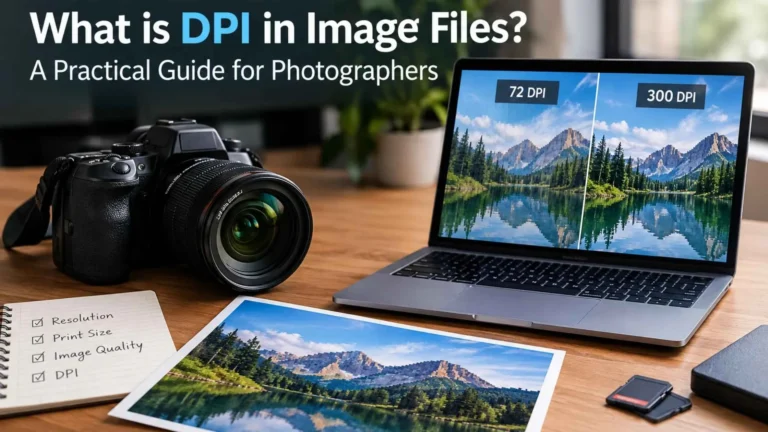
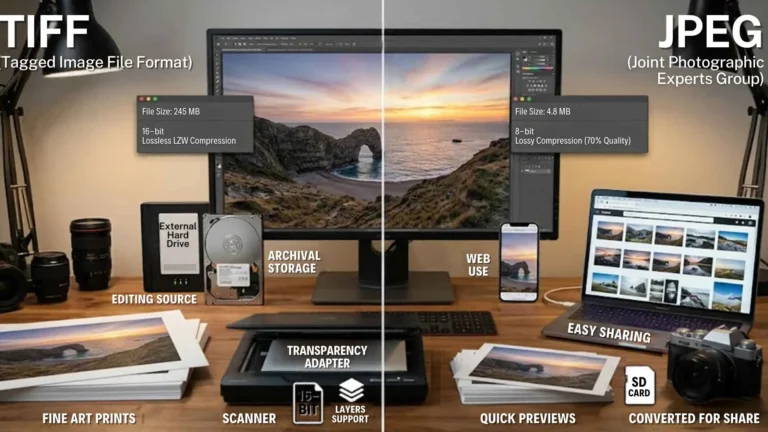
Editing is not just about looks, it is about load time. Big, unoptimised images drag your pages down, which hurts conversions and SEO. Export at the size images are actually shown (plus a zoom version), use JPEG or WebP for photos (WebP is smaller for similar quality), compress sensibly, and keep every product image the same pixel dimensions so the grid stays even.