Key Takeaways
- Large, uncompressed image files are one of the most common causes of slow-loading e-commerce pages.
- File format choice (JPEG, PNG, WebP) meaningfully affects both file size and visual quality, and the right choice depends on the image content.
- Compression makes the files smaller in size, although this should be done with caution, lest the quality suffers due to excessive data reduction on product images that contain many details.
- Image dimensions should match actual display size; serving an oversized image that gets scaled down in the browser wastes load time for no visual benefit.
A sharp, high-resolution product photo does no good if it makes your page load slowly enough that shoppers leave before it finishes rendering. Page speed is a genuine conversion factor, not just a technical afterthought, which makes image optimization one of the most overlooked parts of a strong product photo workflow.
Why File Size Matters More Than It Seems
A single oversized, uncompressed product photo can add real, noticeable delay to a page load, and most product pages carry many images, not just one. That delay directly leads to higher bounce rates: shoppers who experience a slow-loading page are measurably more likely to leave before ever seeing your product clearly, regardless of how good the photo itself is.Choosing the Right File Format
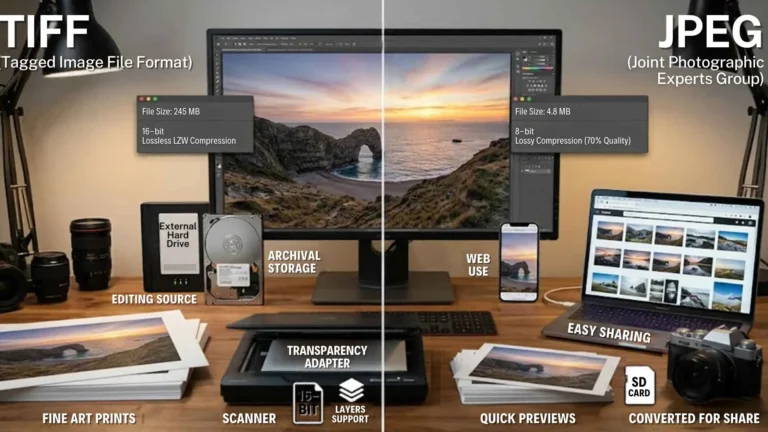
JPEG remains the standard choice for most photographic product images, since it balances quality and file size well for images with complex colors and details. PNG preserves more detail and supports transparency, useful for product images that need a transparent background, but produces meaningfully larger files, which matters at scale across a full catalog. WebP, a more modern format, tends to produce smaller files than JPEG at comparable visual quality and is increasingly well-supported across browsers, a trusted testing option for high-volume catalogs looking to shave load time without a visible quality tradeoff.Managing Compression Without Losing the Quality
Compression reduces file size, but push it too far, and you introduce visible quality loss, blurring, banding, or artifacts around fine detail, which undermines the whole point of investing in quality product photography in the first place. The goal is to find the compression level where file size drops significantly while the image still looks sharp and clean at the actual display size. This usually requires testing rather than applying a single blanket compression setting across every image regardless of content.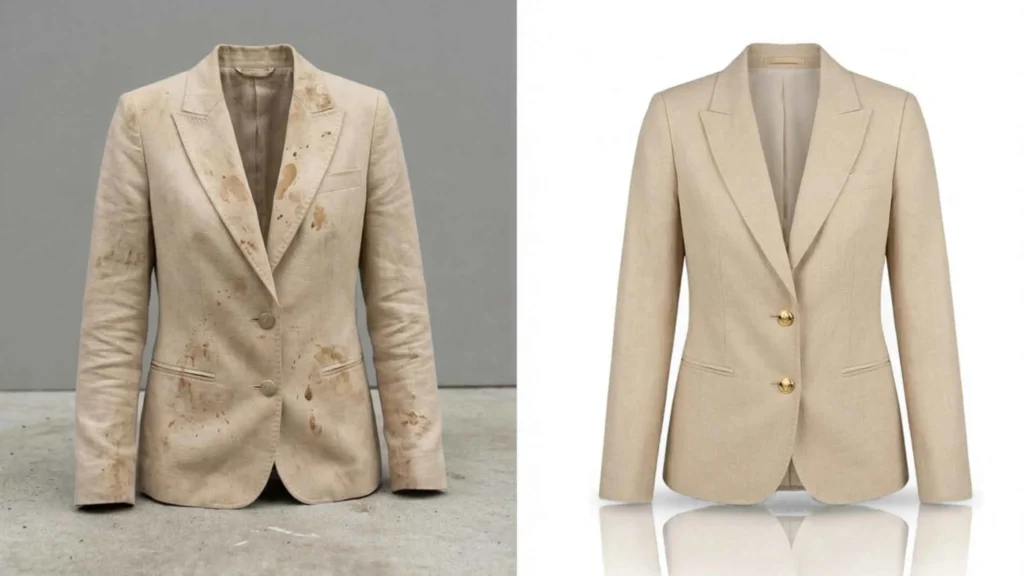
Match Image Dimensions to Actual Display Size
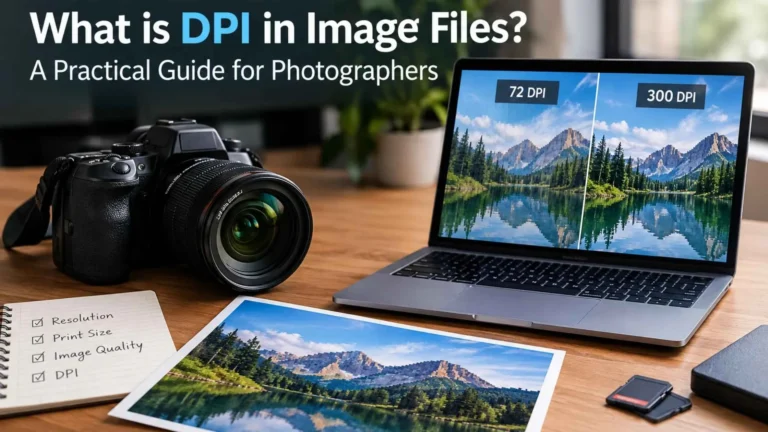
Serving a 4000-pixel-wide image into a space that displays it at 800 pixels wastes load time for zero visual benefit; the browser downloads the full file and then scales it down. Resizing images to match their actual maximum display dimensions (accounting for retina/high-density displays, which need roughly double resolution) avoids this waste without sacrificing sharpness where it’s actually visible.Where Editing and Optimization Intersect
Consistent, well-edited product photos, background removal, color correction, and careful cropping aren’t just about visual appeal. A clean, consistent shot on a simple background typically compresses more efficiently than a busy, detailed one, which means good editing practice and good load-time optimization often reinforce each other rather than working against each other.
Frequently Asked Questions
Which image format is generally best for e-commerce product photos?
JPEG is the standard default for most photographic product shots, balancing quality and file size well. PNG is useful when transparency is needed, while WebP should be considered in catalog pages where fast loading is important.
What are the limits of effective file size reduction via compression?
It is not the same for all images, although usually the level of compression allows significant size reduction without any perceptible degradation in quality. The right level requires testing rather than a single fixed setting across every image.
Does image size actually affect conversion rate, or just technical page speed scores?
Image size affects both. Slow-loading pages measurably increase bounce rate, meaning shoppers leave before evaluating the product, which is a direct, real impact on conversion, not just a technical metric.
Should every product image be the same file size?
Not necessarily the same file size, but each should be optimized, correctly formatted, appropriately compressed, and sized to actual display dimensions rather than uploaded as raw, unoptimized files straight from a camera or editing tool.