Key Takeaways
- Headshot retouching services fix temporary details such as blemishes, stray hairs, dark circles, and wrinkled clothing without altering your actual features.
- Professional headshot retouching follows a repeatable, non-destructive workflow, keeping results consistent across large batches.
- Natural results beat obvious ones. Skin should still look like skin; over-smoothing is the most common mistake.
- DIY editing is fine for casual use, but a headshot retouching service usually wins for corporate photos or portfolios.
- Either way: retouch enough to remove distractions, not so much that the photo stops looking like you.
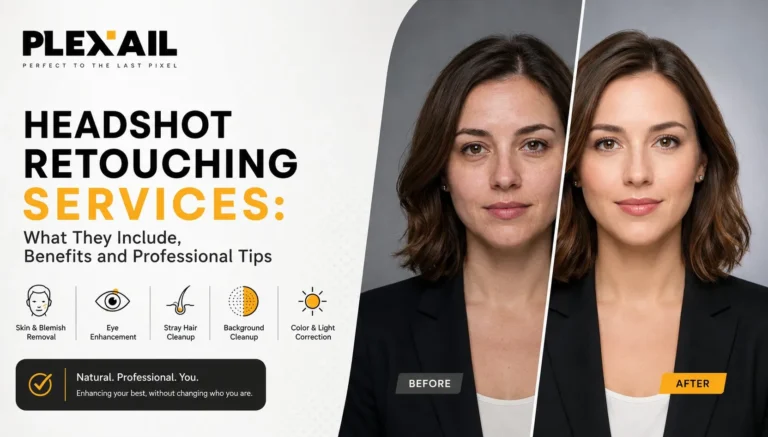
Headshot retouching services fix small things a camera catches that your eyes skip, such as a stray hair, tired under-eyes, a wrinkled collar, or uneven skin tone. Professional headshot retouching is worth it whenever the photo represents you publicly, like on LinkedIn, a company site, or a portfolio, where a polished, consistent image shapes first impressions.
The goal isn’t to change your face; it’s to fix distractions in skin, hair, clothing, and lighting while keeping the photo natural. This guide covers what’s included, how the professional workflow works, DIY options, key benefits, and when to hire a headshot retouching service instead of editing it yourself.
What is Included in Headshot Retouching?
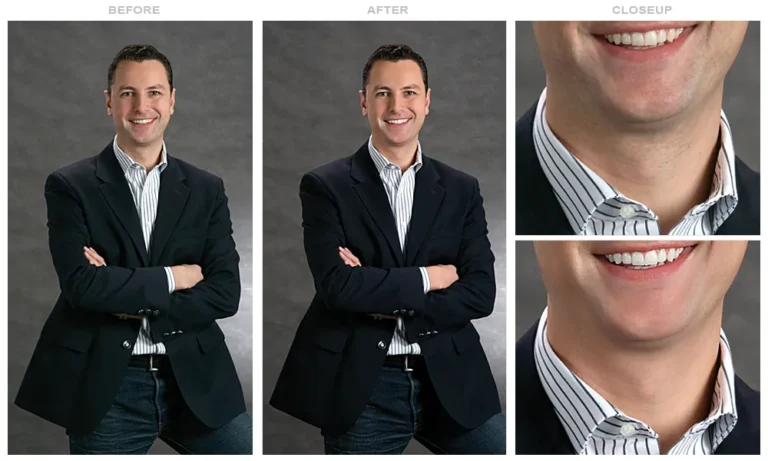
Headshot retouching is more than putting a skin-smoothing filter over a photo. A retoucher looks at the image and decides which small distractions are worth correcting while keeping the person’s actual appearance intact.
For example, if you happened to have a pimple on the day of your photoshoot, that’s easy to take care of. The same applies to a stray hair sitting across your forehead or a little lint on your jacket.
Skin is a little different. It can be tempting to smooth everything, especially when you’re working with a high-resolution image. But completely removing pores and fine lines usually makes a person look unnatural. Good retouching keeps some of that texture because real skin has texture.
Depending on the photograph, headshot editing may include:
- Removing temporary blemishes and spots
- Cleaning up stray hairs around the face
- Reducing dark circles or strong under-eye shadows
- Balancing uneven skin tone
- Removing lint, loose threads, or distracting wrinkles from clothing
- Cleaning small marks or unwanted objects from the background
- Making minor adjustments to the eyes and teeth
- Correcting exposure, contrast, white balance, and color
- Improving the overall sharpness of the final image
None of these adjustments should change who you are. If someone looks at the finished photograph and thinks, “That looks like me, just better,” the retoucher has probably done a good job.
How Does Professional Headshot Retouching Work?
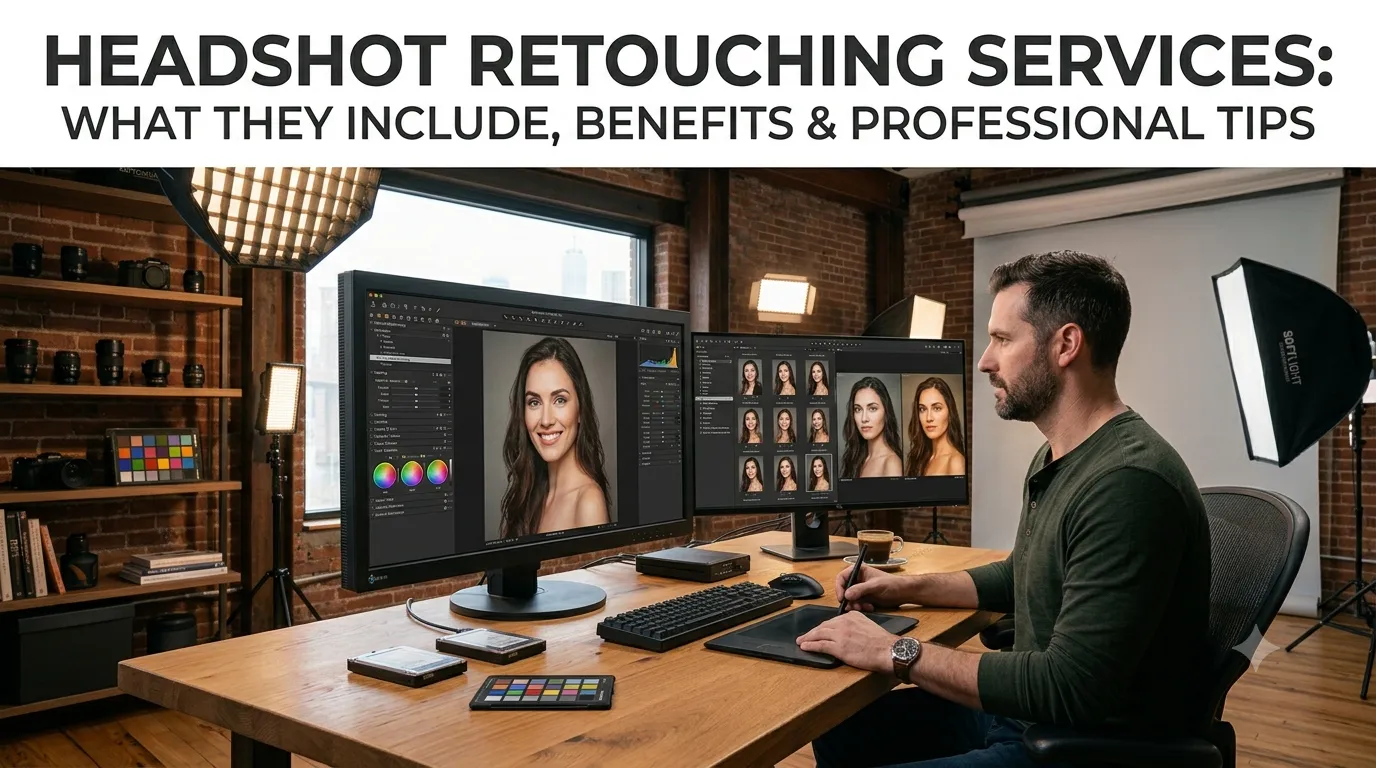
Professional headshot retouching follows a consistent, well-defined workflow, and it is precisely this consistency that allows results to hold up across an entire batch of photos, for instance, a company-wide set of employee headshots that all need to look cohesive.
- Image selection: We choose the sharpest, best-lit photo with a natural expression first, before any editing begins.
- Basic correction: We correct exposure, white balance, contrast, and lens distortion on the original file before touching anything else.
- Detailed retouching: Blemishes, under-eyes, stray hairs, clothing, and background issues are taken care of on separate layers so nothing is permanently changed along the way.
- Color and look refinement: A clean, consistent color grade is then applied depending on the intended use, because a corporate LinkedIn photo and an actor’s portfolio shot ultimately call for different treatment.
- Quality check: The image is examined to ensure nothing looks over-smoothed, plastic, or otherwise unnatural.
- Final delivery: Export high-resolution and web-ready files depending on the platform they are for.
As a result, professional retouching demands genuine judgement rather than the simple application of a one-click filter. After all, a filter applies the same effect regardless of the photo, whereas a trained eye recognizes exactly how much correction a particular face, lighting setup, and skin type genuinely requires.
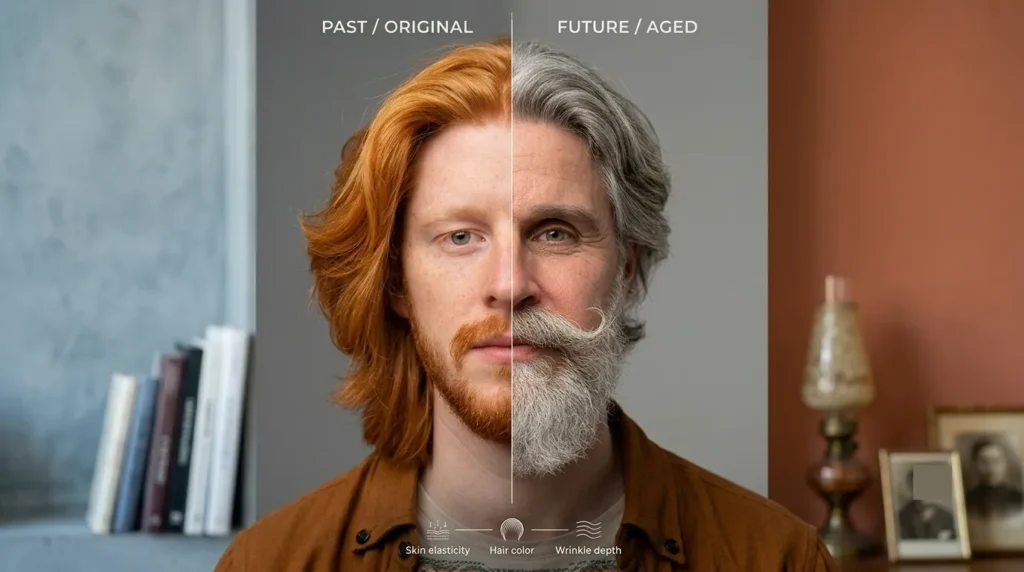
How to Retouch Headshots in Photoshop
For those learning how to retouch headshots in Photoshop, the priority above all else is staying non-destructive, meaning every edit can later be undone or adjusted without permanently damaging the original image.
Work on separate layers and enable “Sample All Layers” so that the original photo is never permanently changed.
- Use the Spot Healing Brush first to remove temporary blemishes and stray hairs before attempting any broader smoothing.
- Consider frequency separation, a technique that allows you to smooth skin tone and correct color without softening the texture, pores, fine lines, and so on underneath.
- Use a 50% gray layer, Soft Light, and dodge and burn to softly sculpt light and shadow across the face, maintaining natural contours.
- Eye and teeth enhancements should be subtle. Don’t change them too much, just a little brightening.
- Finish with mild sharpening targeted specifically on the eyes, not the whole face, which prevents skin texture from looking harsh.
Ultimately, the true mark of good Photoshop retouching is straightforward: once all the edits are complete, skin should still look like skin.
Benefits of Professional Headshot Retouching
Professional headshot retouching pays off in virtually any situation where your image shapes how others perceive you.
- A clean, well-lit photo builds instant credibility across LinkedIn, company pages, and portfolios alike.
- What’s more, your tone, lighting, and style stay uniform across every profile and marketing piece you put out there.
- Meanwhile, temporary flaws disappear, but your pores and fine lines still look like they belong to a real person.
- There’s no more background clutter, wrinkled clothing, or stray hairs pulling attention away from your face either.
- On top of that, you skip the hours of trial and error and get delivery-ready files quickly instead.
- Finally, cropping, sharpness, and color come out correctly tailored for LinkedIn, portfolios, speaker pages, and press kits.
As a general rule, subtle retouching consistently outperforms an obviously altered look, primarily because it reads as authentic. Indeed, people tend to trust a photo that looks like a genuinely good version of a real person far more than one that appears digitally perfected.
Can I Retouch Headshot Photos Myself?
For casual use, sure, go ahead. But professional retouching usually wins out when it counts, since it takes real skill to make DIY edits look natural; it’s faster and more consistent across a whole batch of photos, and it avoids that overdone, artificial look that’s easy to end up with when you’re editing on your own. So save the DIY route for a quick social media photo, and leave corporate headshots, portfolios, or anything tied to your income or reputation to the professionals.Looking for Natural, Professional Photo Editing?
Plexail provides professional e-commerce photo editing services for businesses that need reliable, consistent image editing at scale. The same attention to detail matters when working with headshots, particularly when the goal is a clean result that still looks like a real person.
You can request a free sample before committing to a larger project and compare the original with the edited version for yourself.
Visit https://plexail.com/contact-us/ to request a quote or consultation.