Key Takeaways Fix white balance first; most skin-tone problems start with the wrong color temperature. Judge skin on a calibrated […]


Key Takeaways Fix white balance first; most skin-tone problems start with the wrong color temperature. Judge skin on a calibrated […]

Key Takeaways Simple subjects that contrast sharply are generally best for Select Subject or Quick Selection tools that are automated. […]
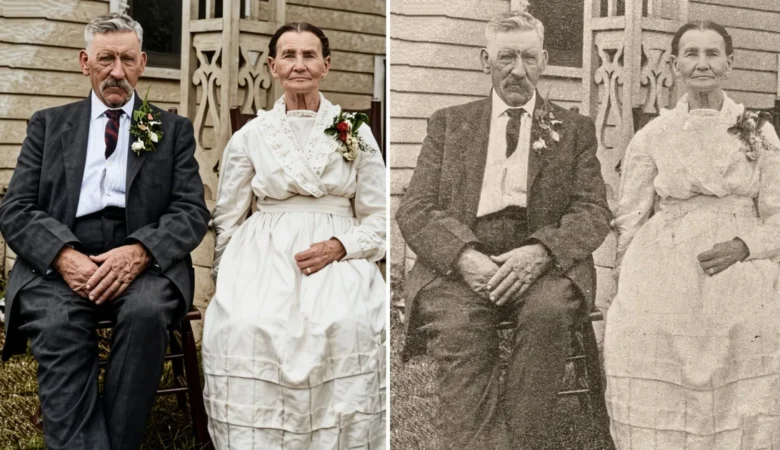
Key Takeaways Restoration digitally repairs fading, tears, scratches, and discolouration in old prints. It starts with a high-resolution scan (600 […]

Key Takeaways Editing is the broad step (crop, straighten, exposure, contrast). Retouching is the fine detail (blemishes, texture, cleanup). The […]

Key Takeaways A clipping path is a closed vector path drawn with the Pen tool around an object. The Pen […]

Key Takeaways Retouching makes jewelry look premium on screen; reflections, dust, and uneven color are what make it look cheap. […]

Key Takeaways Creative techniques like macro, long exposure, and light painting build real skills. Most of these ideas need little […]

If you’re editing your own photos, you’ve got two real options. Free browser-based tools that handle quick fixes yourself, or […]
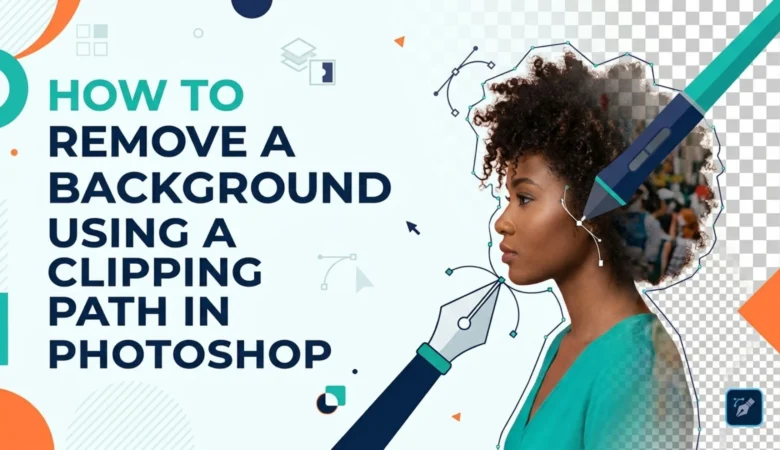
Key Takeaways A clipping path gives the cleanest background removal for hard-edged subjects. The Pen tool traces the subject precisely, […]
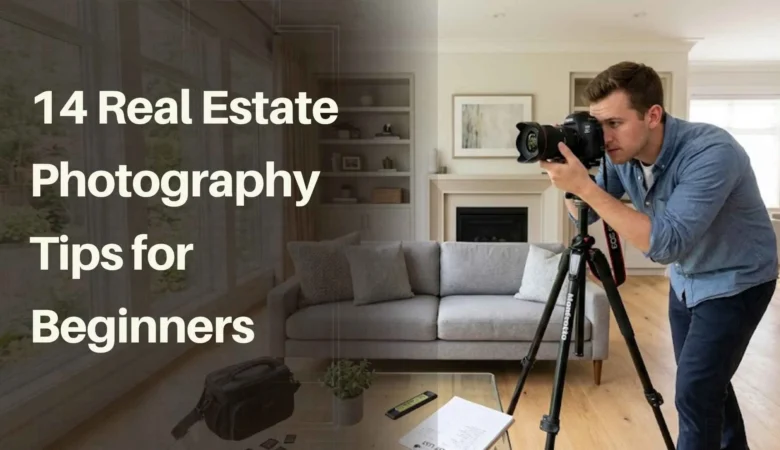
Key Takeaways HDR photography and a genuine wide-angle lens are the technical foundation; avoid fisheye lenses, which distort space in […]