Key Takeaways
- A clipping path traces an object so you can work on it without the background getting in the way.
- This is the primary approach for eliminating and changing the background.
- It also forms the basis for creating composite images.
- Good images lead to good sales.
What a Clipping Path Is
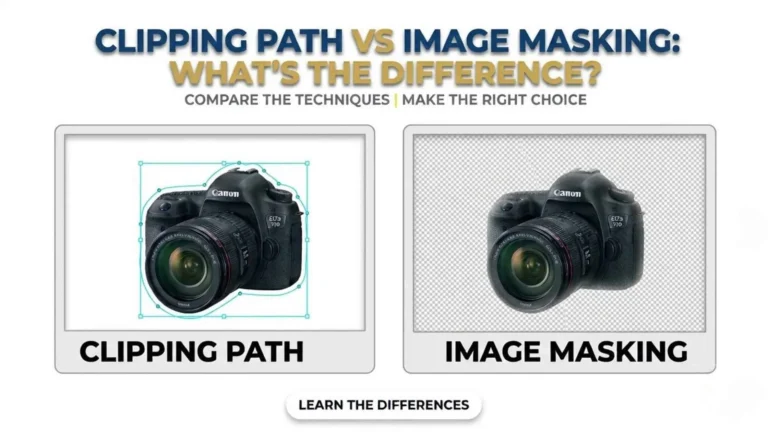
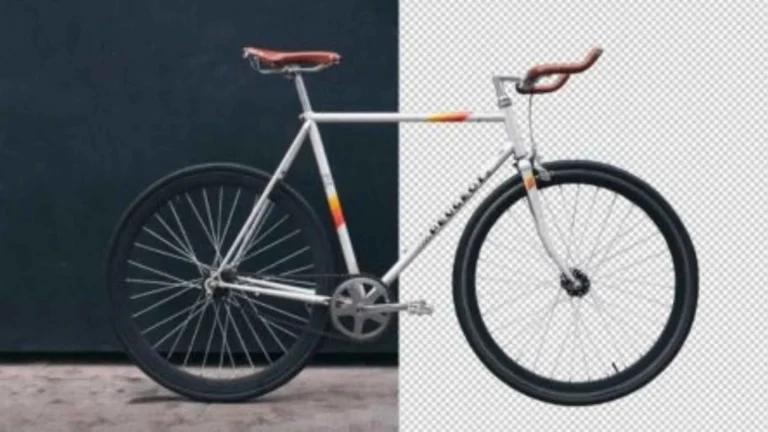
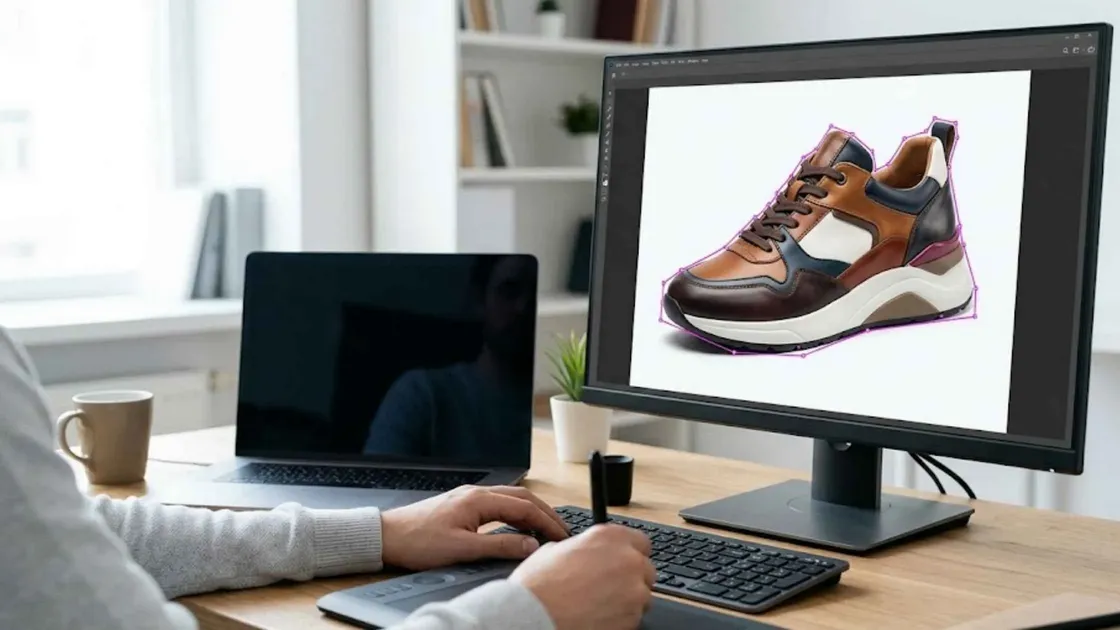
A clipping path is a vector outline traced around a subject, separating it from the background and providing a clean, precise cutout. Because the path is precise and reusable, it suits e-commerce product photos and any image where the subject needs to be separated from its surroundings. It is the starting point for most of the transformations below.Precise Object Isolation
The core of the technique is clean isolation. A well-drawn path follows the subject’s exact edges, giving a cutout with no rough edges or leftover background halo. That precision is what makes everything downstream, including background changes, composites, and retouching, look professional rather than sloppy.Background Removal and Replacement
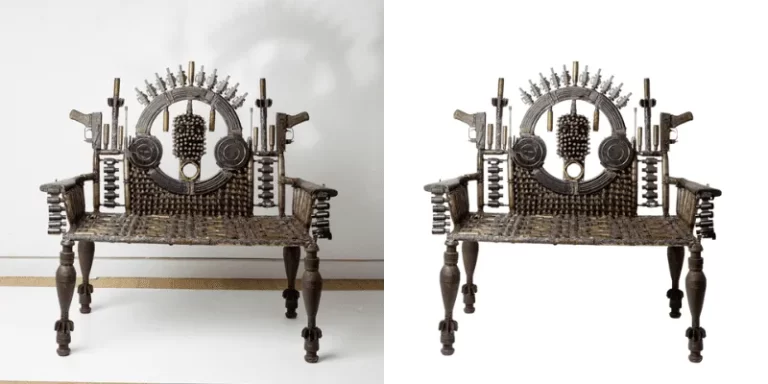
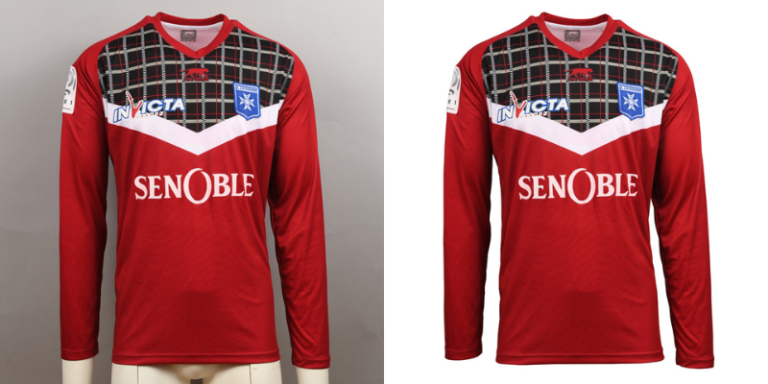
With the subject isolated, background removal is simple, and you can strip the background entirely or swap it: white for marketplace listings, a brand colour for ads, a scene for lifestyle images. One product shot becomes usable in many contexts, and a whole catalogue can be standardised onto a single clean background.
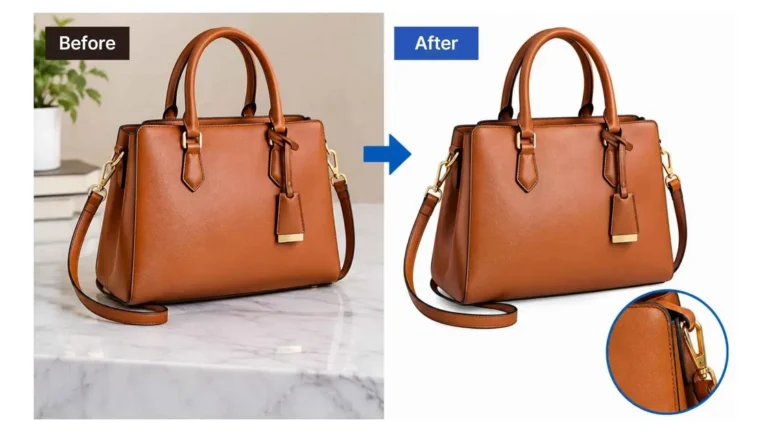
Reshaping and Consistency
Isolated objects can be resized, repositioned, and reshaped without touching the background, and the same clean standard can be applied to every image. That is how brands keep a consistent look across products, listings, and marketing: consistency that signals professionalism and builds trust.Retouching and Creative Chomposites
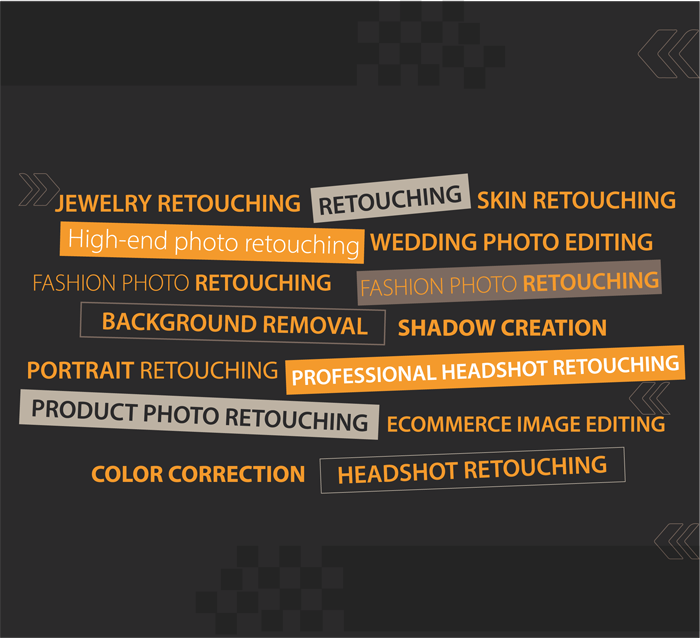
Clipping paths work hand in hand with photo retouching and colour correction; once the subject is isolated, an editor can refine it with real precision. This makes composites possible, combining several isolated elements into one image. That opens the door to creative marketing visuals and product scenes that would be impractical or expensive to photograph directly.
Time, Cost, and Scale
For large catalogues, clipping paths make the workload much lighter. Once a subject has been cut out, you can reuse it across many different outputs, which saves the time and money you’d otherwise spend reshooting or re-editing from scratch. That efficiency is why high-volume e-commerce operations rely on clipping path workflows to keep pace without losing quality.Which Images Benefit Most
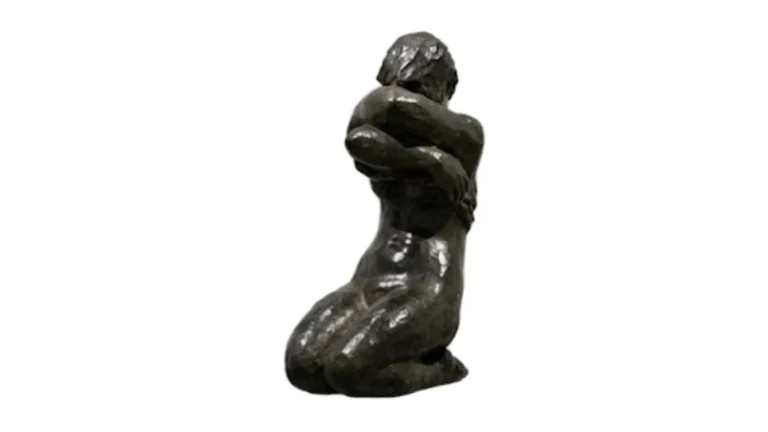
Clipping paths add the most value where the subject needs to stand alone or move between backgrounds. Product shots for e-commerce are the classic case; clean cutouts on white are the standard. They also transform marketing images (a product dropped into a designed scene), catalogue and lookbook visuals that need a uniform background, and anything headed for composites or ads. Subjects with clean, defined edges, bottles, gadgets, furniture, jewellery, benefit most, since the path can follow them precisely. For soft edges like hair or fur, masking is the better tool.
Better Presentation, Better Conversions
The end result is stronger presentation. Clean, consistent, distraction-free product images look more professional and trustworthy, and for e-commerce, that tracks directly with product appeal and conversion. So clipping paths do not just tidy images; they help them sell.Frequently Asked Questions
What is a clipping path?
How does clipping path service modify the pictures?
Clipping path or image masking?
Why do e-commerce stores use clipping paths?
Can a clipping path be used for composites?
Do clipping paths save time and money?
How do clipping paths affect sales?
Cleaner, more consistent, professional product images lift appeal and buyer confidence, which for e-commerce tracks with higher conversion rates.