Key Takeaways
- Complex clipping paths contain more than one compound shape, interior cutouts, or numerous components that demand their own focus.
- Transparent or semi-transparent objects (glass, some fabrics) need special handling, since a standard hard-edged path doesn’t account for see-through areas.
- Complex path work takes meaningfully longer than simple paths, and pricing should reflect that difference.
- The payoff for doing this correctly is a genuinely clean, professional cutout on images that automated tools consistently struggle with.
What Makes a Clipping Path “Complex”
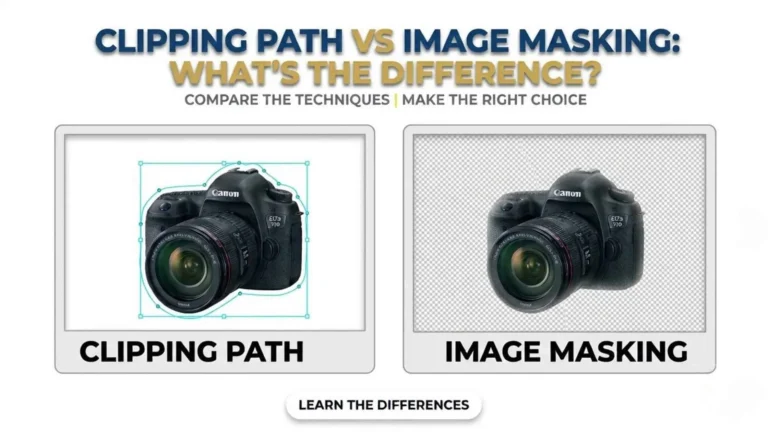
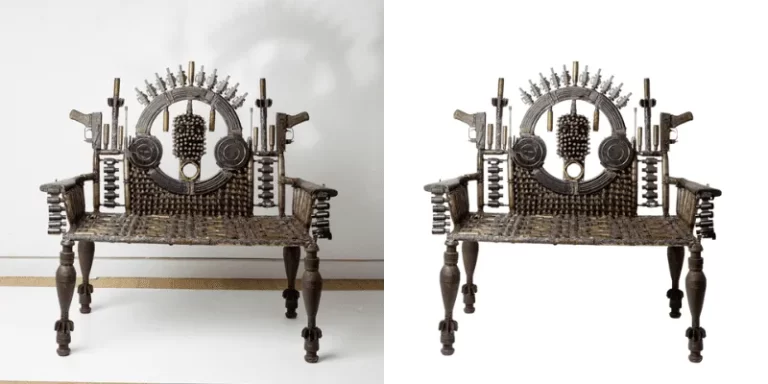
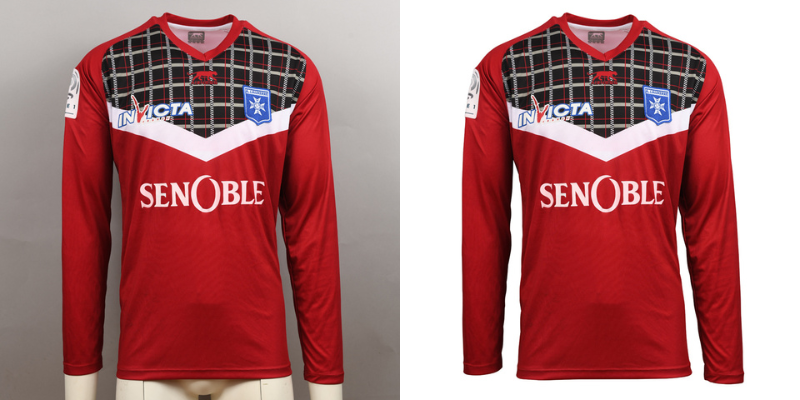
A simple path is one continuous outline with no interior gaps, suitable for a basic solid object. A complex path involves compound shapes: multiple separate outlines, interior cutouts (like the open space inside a ring or a mug handle), or numerous small, separate elements within a single image, for example, a jewelry set with several individual pieces. Super complex paths go further still, involving dozens of independent paths in a single image, common in group product shots or pieces with extensive cutwork detail.Why Transparent and Semi-Transparent Objects Need Different Handling
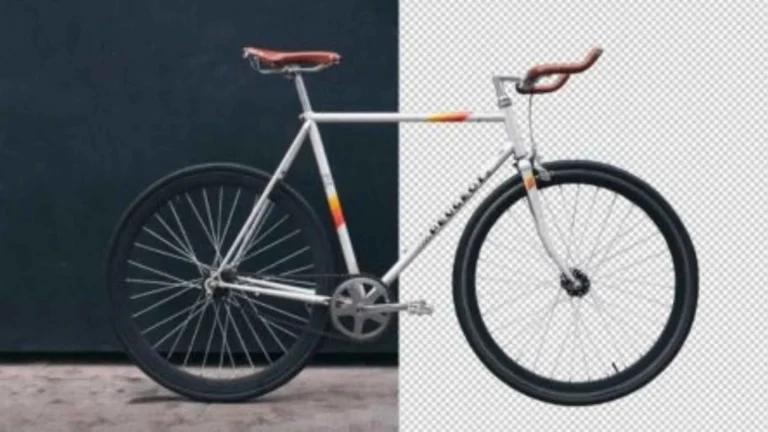
Glass, some fabrics, and certain gemstone settings include areas that are genuinely see-through or partially see-through, which a standard hard-edged clipping path can’t represent accurately. These images typically combine clipping path work with masking or transparency techniques, so the final image preserves the actual visual quality of light passing through or around the transparent area, rather than treating it as an opaque, solid shape.
Why This Work Takes Real Time
Each interior cutout, each separate compound shape, and each area of fine detail in a complex path requires individual attention; there’s no shortcut that produces an accurate result on genuinely intricate subjects. This is precisely why complex path work takes meaningfully longer than simple path work, and why pricing that doesn’t account for this difference is usually either underpricing (a sign of rushed, lower-quality work) or a provider not having come across enough to scope the work accurately.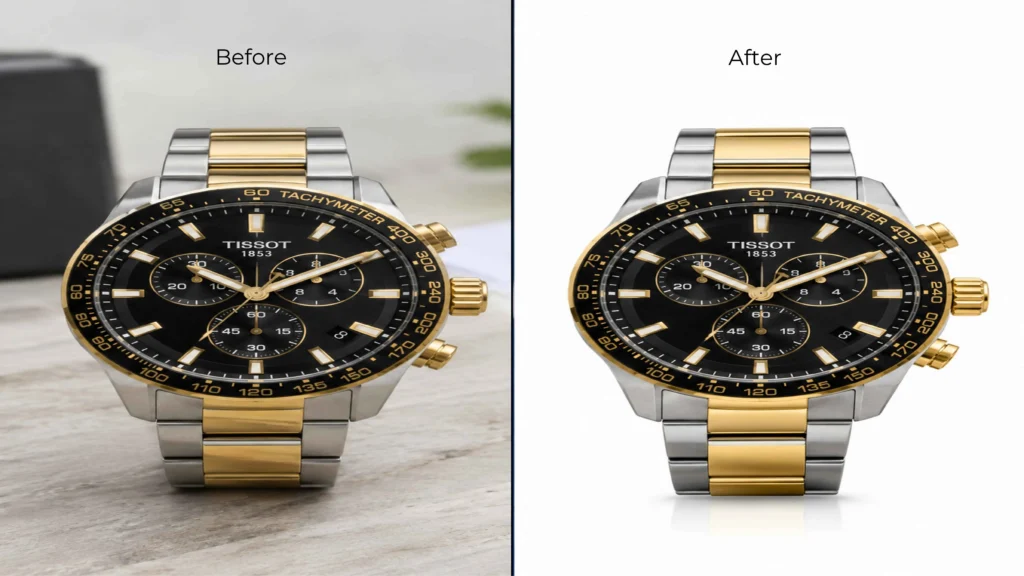
Where Automated Tools Consistently Struggle
Fully automated background removal tools have improved significantly for simple, high-contrast subjects, but complex paths remain a genuine weak point. Interior cutouts, fine mesh or cutwork detail, and transparent areas commonly trip up automated tools, leaving visible errors, rough edges, incomplete transparency, and missed interior gaps that only manual or carefully supervised path work reliably catches and corrects.
What to Ask a Provider About Complex Path Work
Ask specifically whether they distinguish complex path pricing from simple path pricing, since this distinction matters for getting an accurate quote. Ask to see real examples of complex path work (jewelry with settings, garments with cutwork, transparent objects) rather than only simple product cutouts. And confirm realistic turnaround for complex work specifically, since it genuinely takes longer than simple paths.Frequently Asked Questions
What's the difference between a simple and a complex clipping path?
Why is it necessary to deal with transparent elements differently in a clipping path?
A standard hard-edged path treats an object as fully opaque, which doesn’t accurately represent glass, sheer fabric, or other see-through materials. These need combined techniques (path plus masking or transparency handling) to look correct.