Key Takeaways
- A clipping path neatly isolates a product, thus making it possible to change its background, remove it, or standardize it without affecting the product at all.
- This precision matters most for products with complex edges, jewelry, fine detail items, and anything photographed against inconsistent or cluttered backgrounds.
- A consistently applied clipping path across a catalog makes every product look intentionally and professionally presented rather than inconsistently shot.
- Beyond backgrounds, clipping paths enable a product image to be reused flexibly across marketing materials, catalogs, and different platform requirements
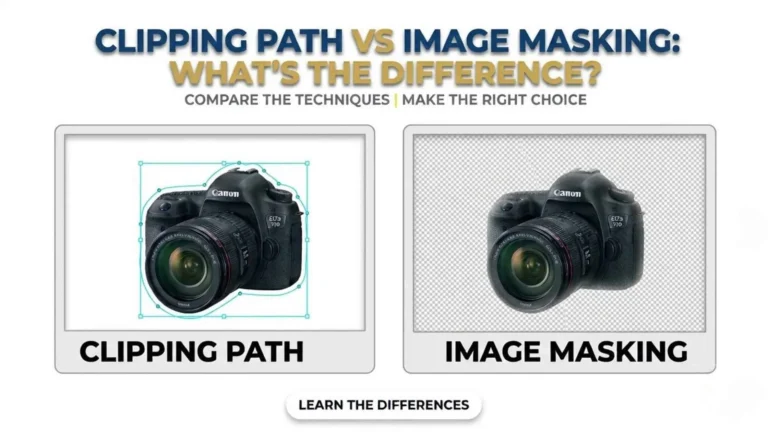
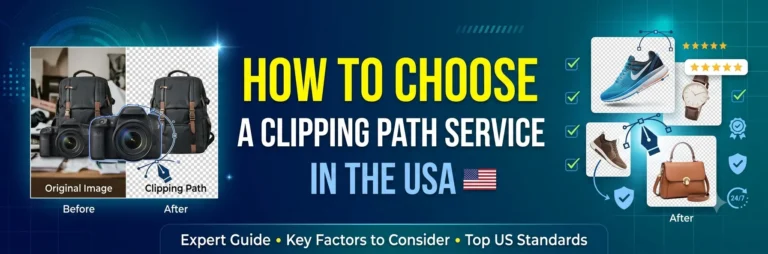
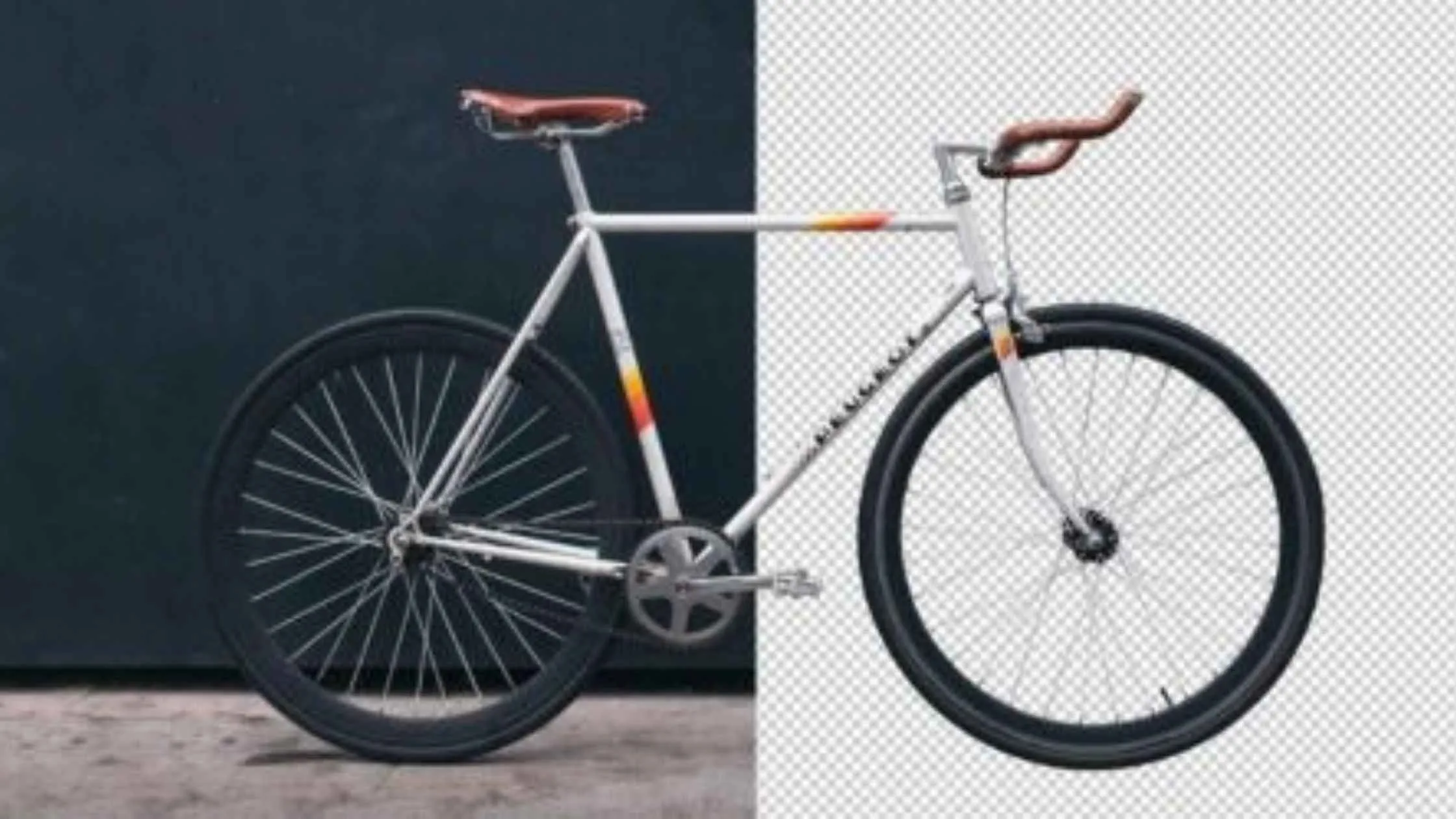
A product photo with a clean, precise, isolated subject is fundamentally different from one with a distracting or inconsistent background, even if the product itself is the same. That difference comes from clipping path work, a precise vector outline, either hand-drawn or software-assisted, that isolates a subject from its surroundings.
Role of Clipping Path in Photo Editing
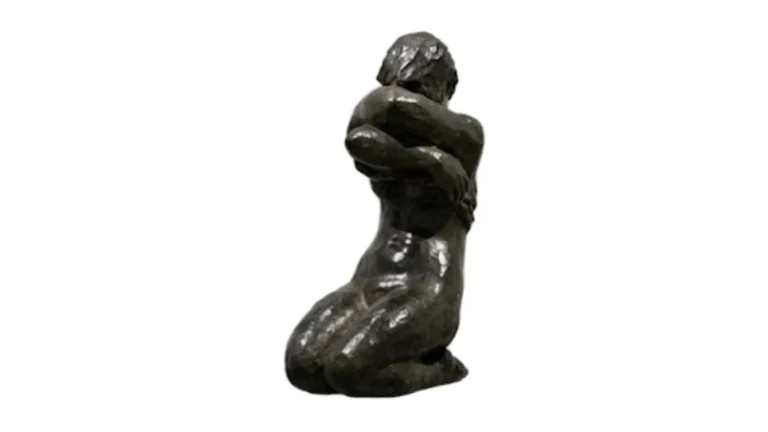
Essentially, a clipping path refers to a neat outline drawn around the edges of a product. Once that separation exists, an editor can drop in a pure white background (a common marketplace requirement), swap in a lifestyle background, or simply remove the background entirely for flexible reuse, all without altering the product itself.Why This Matters More Than It Might Seem
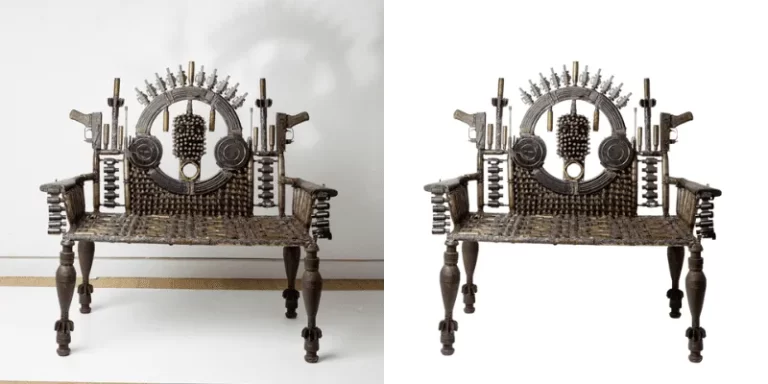
Marketplaces like Amazon require a pure white background, especially for primary listing images, and a clean, precise clipping path is what makes that possible without leaving visible edges, halos, or leftover background fragments around the product. For products with complex edges, jewelry with open settings, items with fine detail or transparent elements, this precision is significantly harder to achieve with fully automated tools, which is where skilled manual or hand-guided clipping path work earns its place over a one-click automated cutout.Consistency Across a Full Catalog
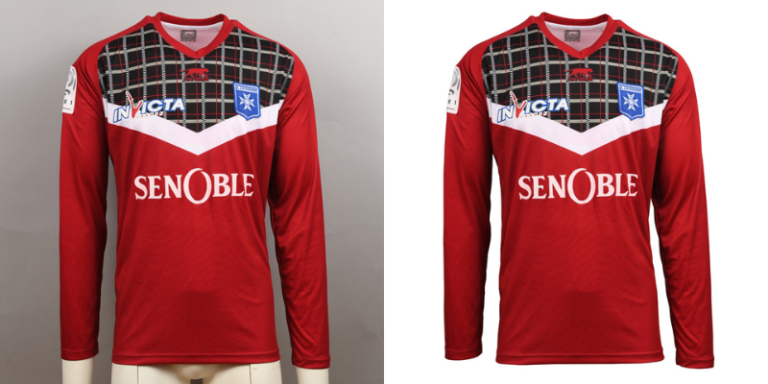
Applying clipping path work consistently across an entire product catalog means every image gets the same clean treatment, regardless of what the original background looked like during the shoot. This matters for how a catalog reads as a whole: a store where every product sits on the same clean, consistent background looks significantly more professional and easier to browse than one with visibly inconsistent backgrounds from image to image.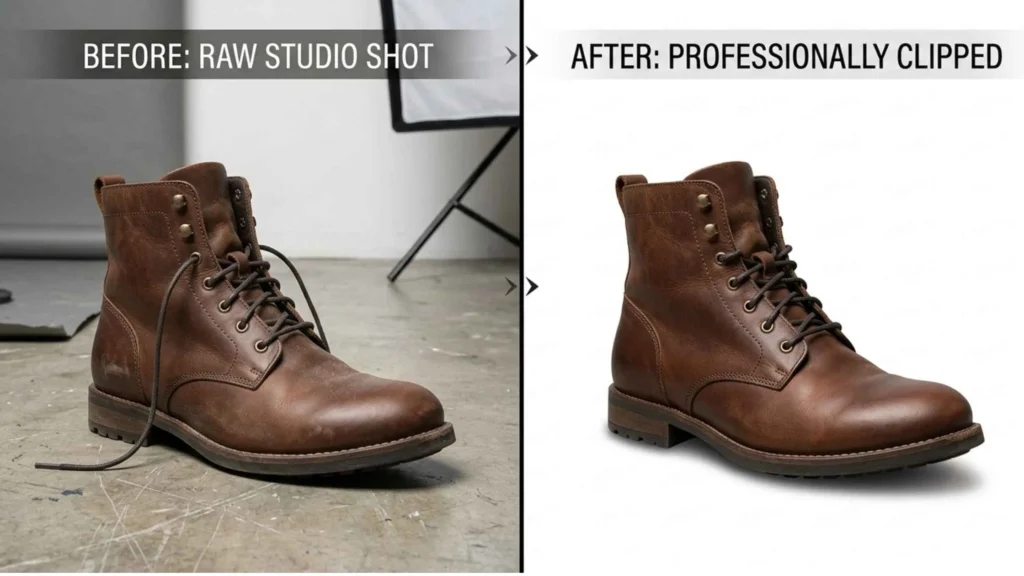
Flexibility Beyond the Original Photo
Once a product is cleanly isolated via a clipping path, that same base image can be reused across different contexts: a marketplace listing needing a white background, a marketing email with a lifestyle background, a catalog page with a branded color background, without needing to reshoot the product each time. This flexibility is a real practical advantage for businesses producing marketing material across multiple channels from a single product shoot.When Manual Work Beats Automated Tools
Simple products with clean, high-contrast edges, a solid-colored box, or a basic mug are usually handled well by automated background removal tools. Complex edges, fine jewelry chains, semi-transparent fabric, and products with intricate cutouts still commonly trip up automated tools, leaving visible errors that a trained eye and manual or hand-guided path work catch and correct.Frequently Asked Questions
What's the difference between clipping path and simple background removal?
Clipping path uses a precise vector outline around a subject’s edges, which offers more control and precision than typical automated background removal, particularly for complex or detailed edges.
Why do marketplaces often require a pure white background?
It’s primarily a consistency requirement. A uniform white background across a marketplace’s listings makes browsing and comparing products easier for shoppers, and clipping path is the technique that achieves this cleanly.
Can clipping path work be reused across different marketing materials?
Yes, that’s one of its practical advantages. Once a product is cleanly isolated, the same image can be placed on different backgrounds for different channels without reshooting.
When does a product need manual clipping path work instead of an automated tool?
Products with complex or fine-detail edges, jewelry, fabric, and intricate shapes generally require manual or hand-guided work, since fully automated tools mostly still struggle with this level of edge precision.