Key Takeaways
- A clipping path is a hard-edged vector outline, best for objects with clean, defined edges.
- Image masking handles soft, fine, or transparent edges, hair, fur, fabric, glass.
- The choice comes down to the subject’s edges, not preference.
- Complex images often need both techniques combined.
Clipping path and image masking (often searched together as clipping masking) are the two main ways to remove backgrounds and isolate subjects, and choosing the right one separates a clean, professional cutout from an obvious, amateur one. They are not interchangeable: each suits a different kind of edge. This explains what each technique is, when to use it, and how to decide, so you always brief the right method for your images.
What Is a Clipping Path?
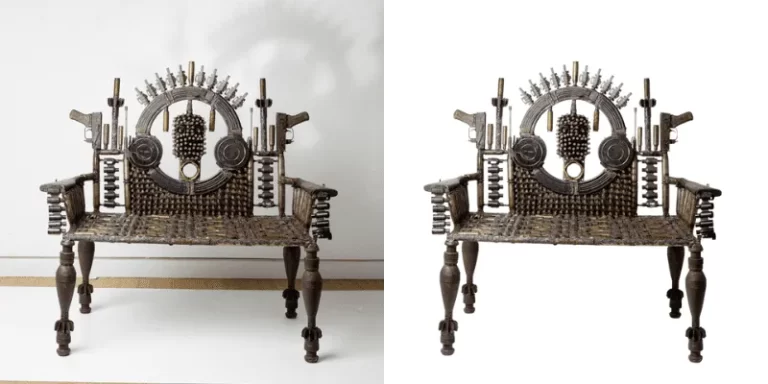
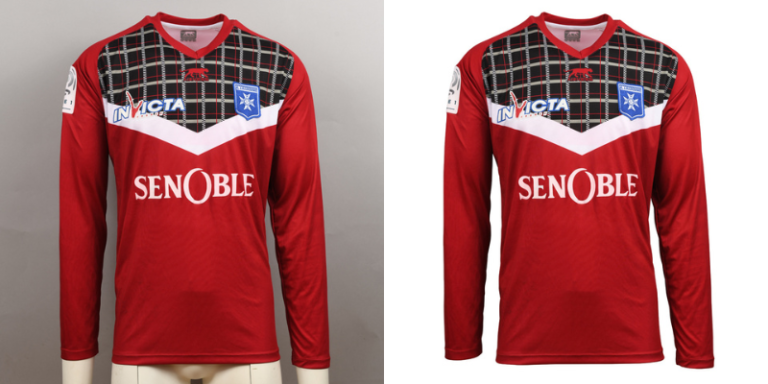
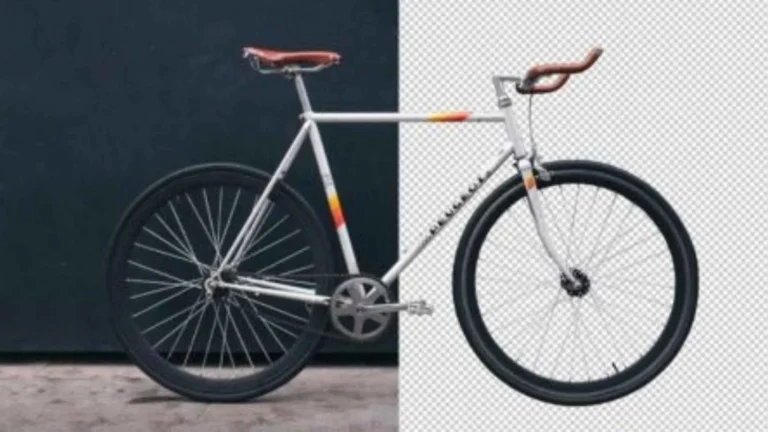
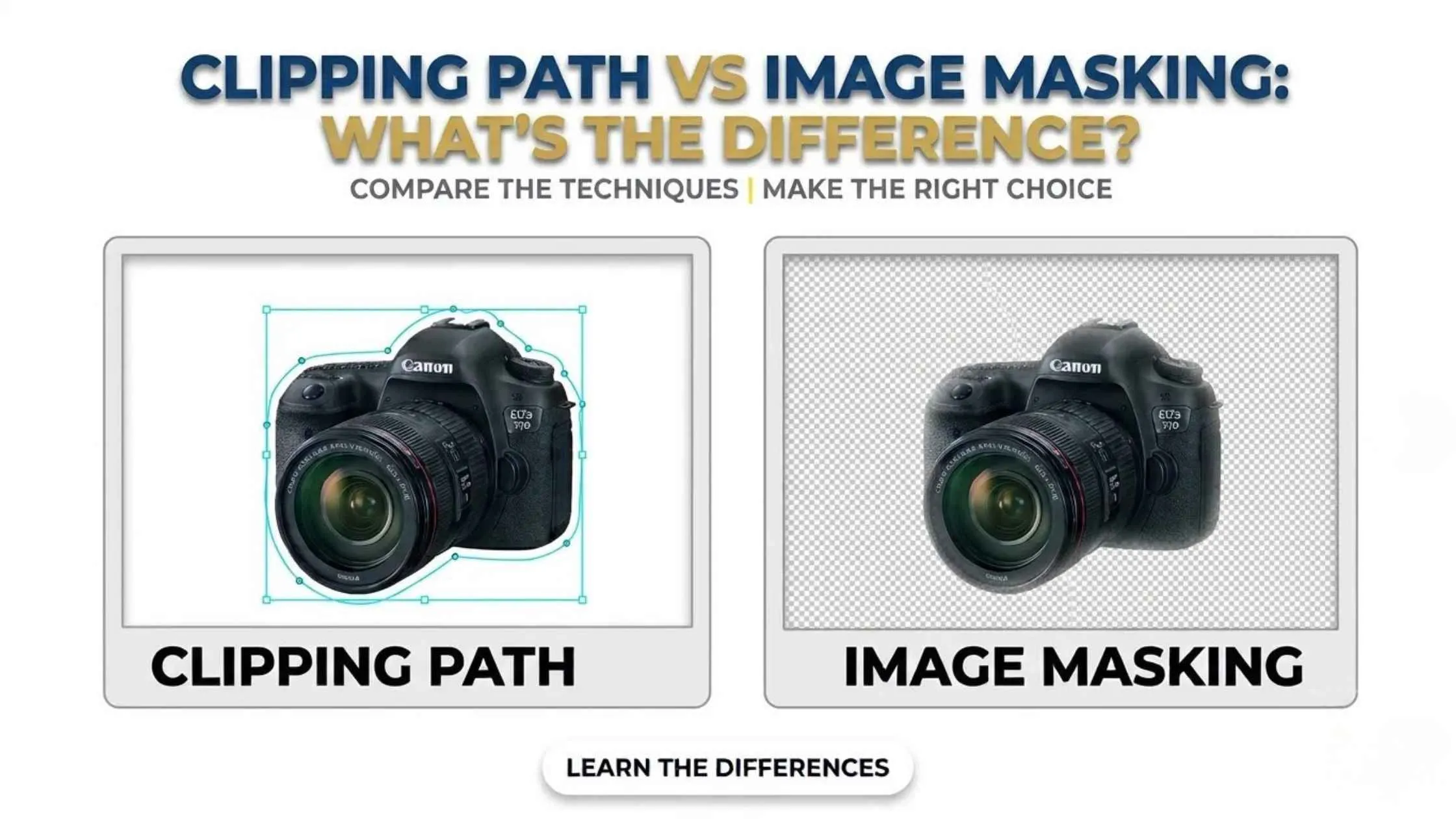
A clipping path, also called an image clipping path, is an editing technique that creates clear, sharp edges. The editor uses the Pen tool to draw a precise vector outline around the subject, which separates it from the background. It provides sharp, clean, accurate edges, which is why it is the go-to for e-commerce, advertising, and print, especially for products like electronics, furniture, bags, shoes, and accessories that have clear, hard edges.
What Is Image Masking?
Image masking, sometimes called photo masking, also removes elements and isolates subjects, but it is built for soft, feathered, or complex edges a hard path cannot handle naturally. By hiding and revealing parts of an image differently, masking preserves delicate boundaries, ideal for subjects with hair, wool, cotton, fur, or feathers, and for transparent or semi-transparent objects where the background needs to show through.
The Key Difference: Edge Type
The core distinction is the edge. Clipping paths excel on hard, defined edges and give crisp, reusable cutouts. Masking excels on soft, wispy, or transparent edges, where a hard outline would look chopped off and unnatural. So the decision is not about which is ‘better’; it is about matching the technique to the subject in front of you.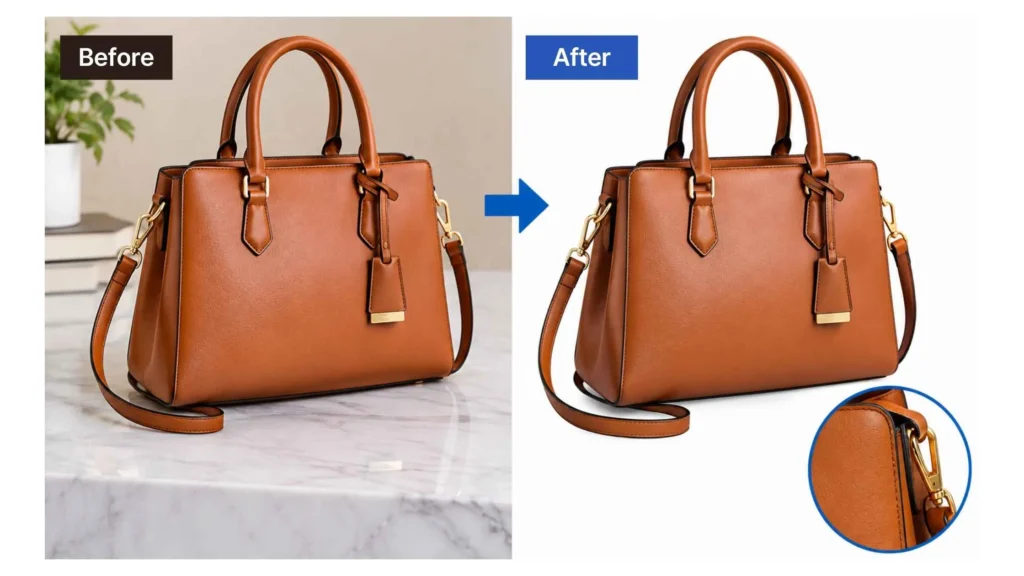
When to Use a Clipping Path
Reach for a clipping path when your subject has clean, solid edges: bottles, boxes, gadgets, furniture, shoes, most rigid products. It is fast, precise, and the path can be saved and reused. For standard e-commerce product shots on white backgrounds, clipping path is usually the right and most efficient choice.When to Use Image Masking
Choose masking when the subject has soft or intricate edges the Pen tool cannot trace naturally: a model’s hair, a fur coat, a sheer fabric, feathers, a wispy plant. Also use it for transparent and semi-transparent items: glass, bottles, eyewear, veils, where the background must show through realistically. Masking is what keeps those edges looking natural.When You Need Both
Plenty of real-world images call for both. A model wearing a solid-edged jacket with flowing hair needs a clipping path for the jacket and masking for the hair. A product shot with a soft, blurred edge might combine a path for the sharp areas and masking for the soft transition. Skilled editors routinely mix the two on a single image for the cleanest result.
How to Choose and Brief a Service
To figure out which one you need, look at your subject’s edges. Sharp, clear edges call for a clipping path. Soft, fine, or see-through edges call for masking. If your image has both, you’ll need both. When you brief a service, just describe the edges instead of naming a technique, because a good provider will pick the right method for each image. If you’re outsourcing to a clipping path service in the USA or anywhere else, ask for samples of hard-edge and soft-edge work so you can see how well they handle each. Our checklist for choosing an image masking company covers what else to look for.
Frequently Asked Questions
What is the difference between clipping path and masking?
When should I use a clipping path?
When should I use image masking?
Is one better than the other?
Can both be used on one image?
Yes, and complex images often require it. For example, a clipping path for a model’s solid-edged jacket and masking for their flowing hair. Skilled editors combine them on a single image.