Key Takeaways
- Old photo restoration repairs physical damage (fading, tears, scratches) and corrects color that’s shifted over decades, it’s closer to digital repair work than typical retouching.
- Color grading (different from color correction) intentionally shapes a photo’s mood (warm and nostalgic, cool and modern, dramatic and high-contrast) as a creative choice, not a fix.
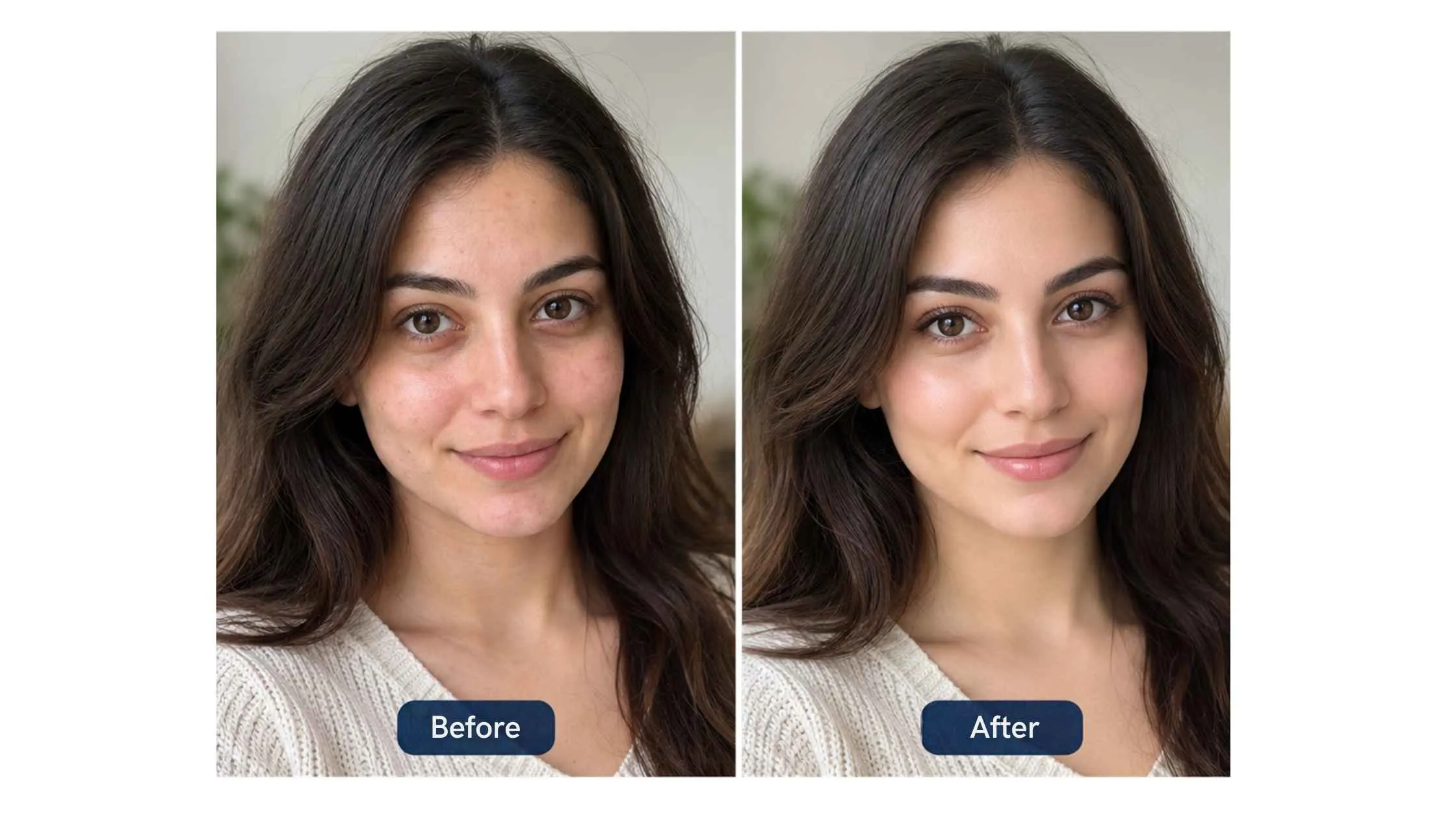
- Small distractions like blemishes, dust, or stray hairs are corrected with detail retouching but still keeping the natural texture and character of the photo intact.
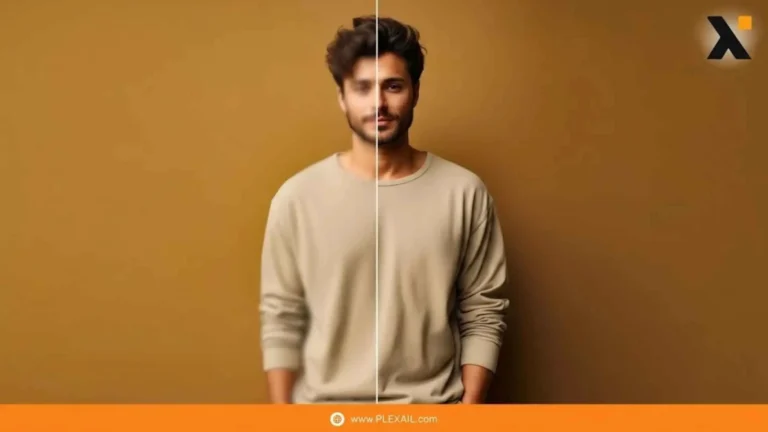
- The best before/after results are the ones where the “after” still looks like a photograph, not a different image entirely.
Before and after is the easiest way to show what retouching does, but it’s worth being specific about what actually changes between those two photos, because it’s rarely just “make it prettier.” Here’s what’s really happening in three common categories of retouching work.
Old Photo Restoration: Repairing, Not Just Enhancing
Old photographs accumulate real physical damage, fading from light exposure, scratches, tears, water spots, and a color shift that happens gradually as dyes in the original print degrade. Restoration work repairs these specific problems: rebuilding torn or missing sections based on the surrounding image, correcting the color cast back toward what the original colors likely were, and reducing scratches and spots without flattening the photo’s natural grain and detail.
This is different from routine retouching, it’s closer to digital repair, often working from a single damaged source with no clean reference to compare against.
Color Grading: A Creative “After,” Not Just a Fix
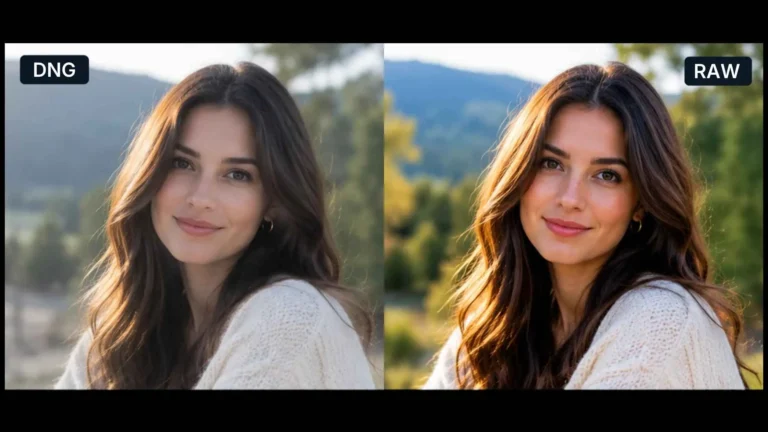
Where color correction fixes technical accuracy, color grading is a deliberate creative choice, shifting a photo’s overall tone to support a mood. A warm, slightly desaturated grade can make a photo feel nostalgic; a cooler, higher-contrast grade can feel modern and crisp. See our full guide to color grading in Photoshop if you want the technical steps behind this.
The “before” in a color grading example is usually a technically correct, neutral photo. The “after” isn’t more accurate, it’s more intentional.
Detail Retouching: Removing Distractions, Keeping Texture
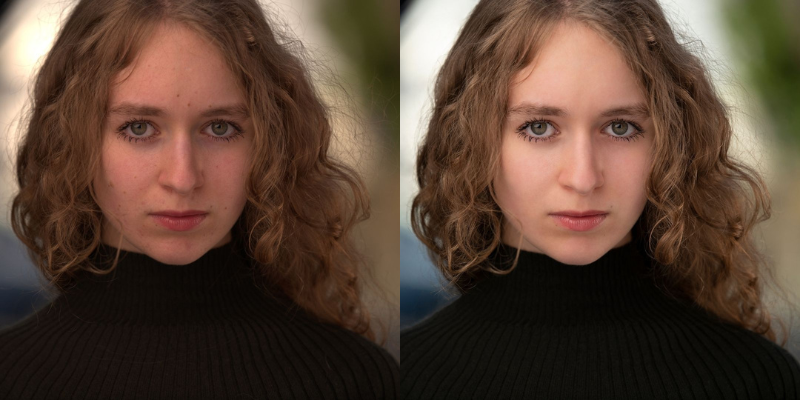
This is the retouching most people picture: removing dust spots, stray hairs, minor blemishes, and small distractions that pull attention away from the subject. Done well, the “after” photo doesn’t look edited, it looks like the best possible version of the original moment, with real skin texture, fabric detail, and natural light still intact.
The failure mode here is over-editing: smoothing away so much detail that a photo starts to look synthetic. A good retoucher removes distractions without erasing what made the original photo real.