Key Takeaways
- A good headshot comes down to a few basics: a sharp, clear photo, soft lighting, a relaxed expression, simple clothes, and light editing that still looks like you.
- AI headshot generators (Remini AI, Midjourney, PFP Maker, Profile Picture AI) can produce a usable result from a few uploaded selfies; most charge a fee for the final image.
- AI results can occasionally look overly smoothed or slightly generic. Reviewing several outputs and picking the most natural-looking one matters more than picking the fastest tool.
- If AI results don’t look right, outsourcing to a professional editor to enhance an existing photo is a reliable alternative.
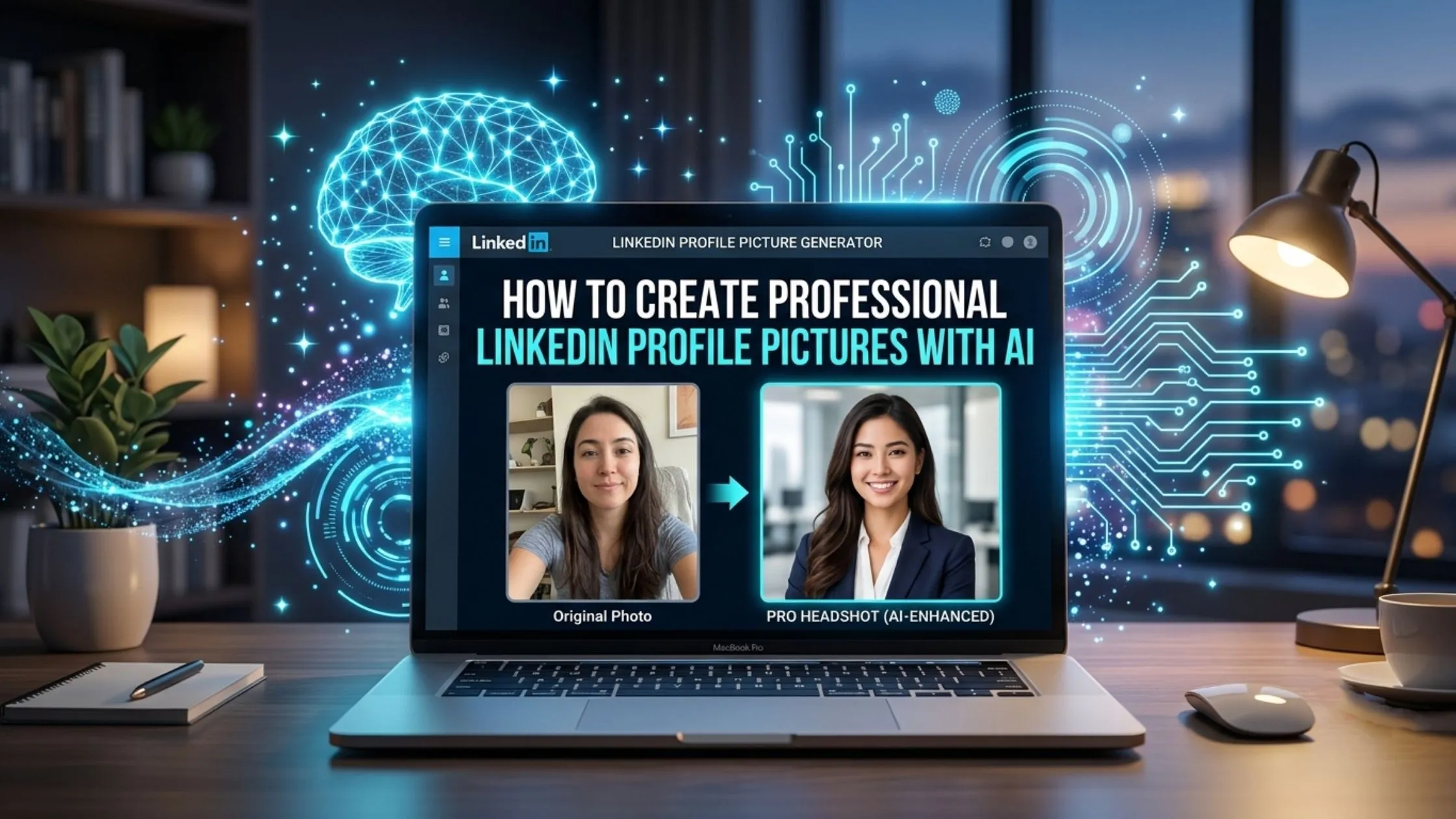
Your LinkedIn photo does a lot of work before anyone reads a word of your profile. Recruiters, clients, and new connections form an impression from it in seconds, and that impression shapes whether they take the rest of your profile seriously. You no longer need a studio photoshoot to get a strong result. You can turn a handful of selfies into a professional-looking headshot with AI. Before you try it, it helps to know what these tools do well and where they struggle.
What Makes a Photo Look Like a Professional Headshot
What makes a headshot look professional instead of casual? It’s usually a handful of small things. The photo is clear and high quality, taken from the chest up, with the face in sharp focus. The background remains plain so nothing pulls attention away from you. Keep the light soft so your face looks even and natural. Relax and smile naturally. Choose a well-fitted, plain and clean outfit, and skip bold prints and large logos. Your clothes fit well and stay simple, with no loud patterns or big logos. And any editing is light, just enough to fix a stray hair or a small blemish while keeping your skin looking real.The Best AI Tools for a LinkedIn Headshot
A few AI tools turning everyday photos into professional headshots.
Remini AI
A mobile app (iOS and Android) that enhances and stylizes uploaded selfies into polished headshot-style images. Offers a limited free trial, with a fee for full-resolution downloads.
Midjourney
A general-purpose AI image tool that can generate headshot-style portraits from a text prompt or reference image, popular for its stylistic range, though it requires more manual prompt tuning than purpose-built headshot apps.
PFP Maker
PFP Maker is for profile pictures and comes with preset styles that suit corporate and professional looks.
Canva
Canva isn’t an AI headshot maker, but it’s useful for quick touch-ups, cropping, and changing the background of a photo you already have.
How to Create a Headshot with Remini AI
- Download the app. Get Remini AI Photo Enhancer from the App Store or Google Play.
- Open the AI photos section. Once the app is open, tap AI Photos.
- Add a few selfies. Choose clear pictures taken in good light. The sharper the photos, the cleaner your headshot will look.
- Choose a style. Go for a corporate or professional look.
- Check your results. Give the app a moment to create your photos, then save the one that looks the most natural.
Good to know: Remini usually gives you only a short free trial. After that, you’ll need to pay to create and download your final headshots.
The Downsides of AI Headshots
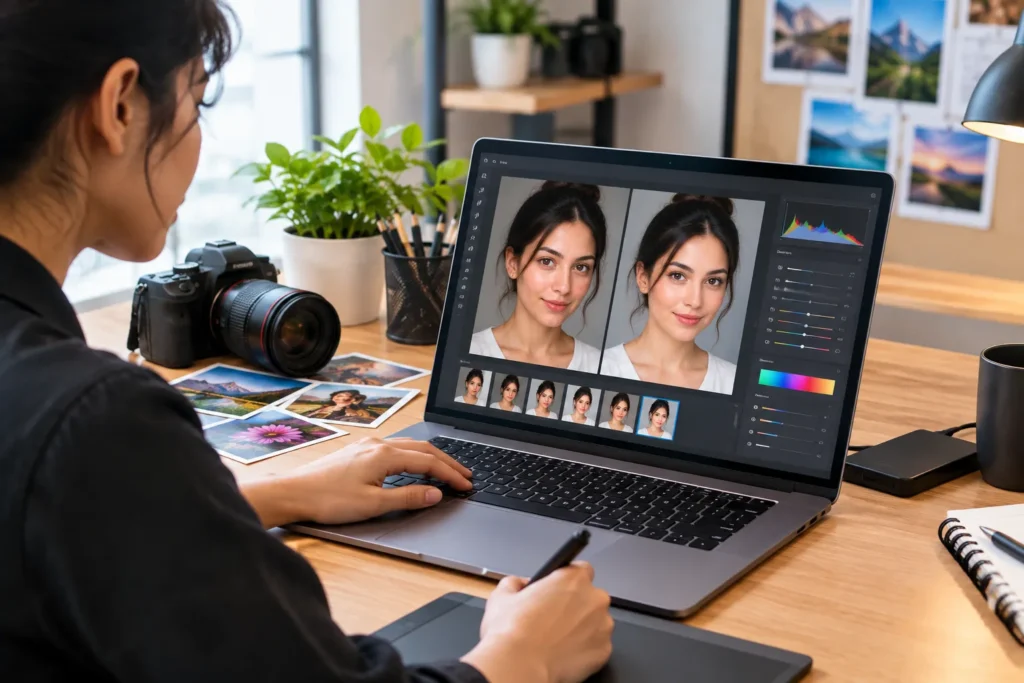
AI headshots have a few weak spots. They can make your skin look too smooth or slightly change your features, so you might not look quite like yourself. That’s a problem when people meet you after seeing your photo. Real photos also do a better job of showing your personality and natural expression. For LinkedIn, try a few different results and pick the one that looks most like you, even if it’s not the fanciest.Another Option: Improve a Photo You Already Have
If the AI results don’t feel right, start with a real photo instead, even one taken on your phone, and get it professionally edited by a profile photo editor. The editor can clean up the background, fix the colors and lighting, and do a little retouching. You get a polished photo that still looks like you, not a brand-new image made from scratch. The same approach works if you need an ID picture editor for a badge, application, or passport-style photo.
Frequently Asked Questions
Are AI LinkedIn headshot tools free?
Not usually. Most tools charge for the final high-quality image. Many give a short free trial or a small, low-quality preview.