Key Takeaways
- Great editing balances technical precision with creative judgment.
- Color correction is one of the highest-impact, most underrated edits.
- The best editors know when not to edit. Restraint is a skill.
- Knowing when to outsource is itself an expert decision.
Where Technology Meets Creativity
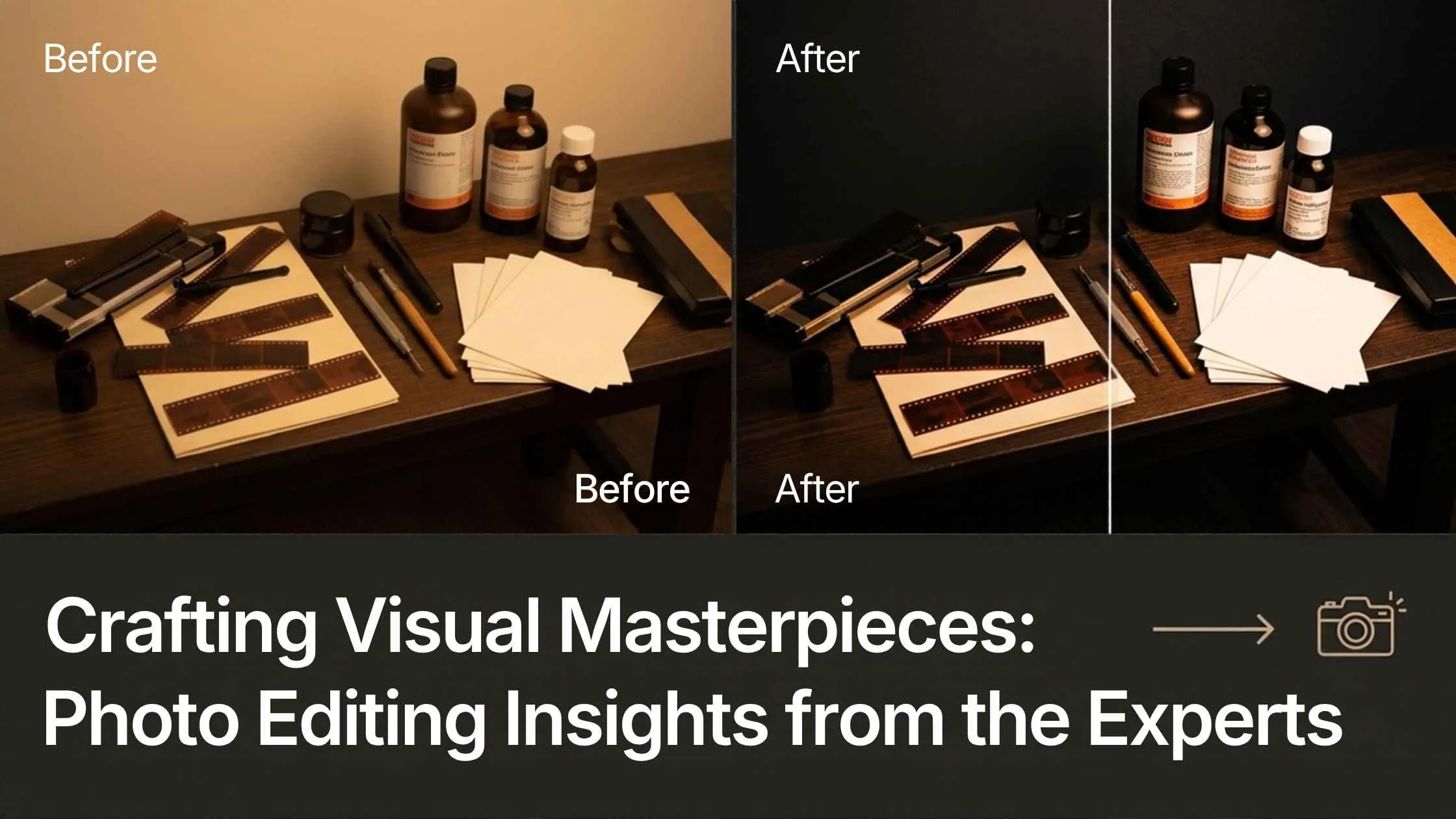
Photo editing is the brushstroke that brings images to life, and it lives where technology meets creativity. The tools provide precision; the editor provides judgment about what to enhance, what to leave, and what mood to create. The best work is not the most heavily edited; it is the most intentional, where every adjustment serves the image rather than showing off a technique. Creative photo editing is where that judgment shows most.The Underrated Power of Color Correction
Ask professionals what most improves an image, and color correction comes up again and again. Balancing tones, fixing casts, and setting the right mood through color can turn a flat, amateur-looking photo into a professional one, often more than any dramatic effect. It is foundational: get color right first, and everything built on top of it looks better.
Beyond the Basics
Once the fundamentals are solid, advanced techniques, careful retouching, compositing, dodge and burn, and frequency separation add the polish that marks expert work. But experts apply them selectively. The skill is not knowing every technique; it is knowing which one an image actually needs and applying it with a light enough hand that the result looks natural.
The Tools Professionals Use
Professionals reach for the right tool for the job: Photoshop for detailed, pixel-level work and compositing, Lightroom for RAW processing and consistent batch editing, and specialized tools for specific tasks. The tool matters less than mastery of it; an expert with Lightroom outperforms a novice with the most advanced software. Learn your core tools deeply rather than chasing every new one.

Tips from the Pros
A few habits recur among experienced editors: work nondestructively so nothing is ever truly lost, edit for the final use and platform rather than in a vacuum, keep skin and texture natural rather than over-smoothing, and step away and return with fresh eyes before finalizing. Those habits, more than any single technique, produce clean, professional results.Knowing When Not to Edit
Maybe the most expert insight of all is restraint. Knowing when to stop, when an image is done, and when a heavier edit would hurt rather than help is what separates seasoned editors from beginners. Over-editing is the most common mistake, and resisting it is a genuine skill that takes experience to build.DIY or Professional
Experts are clear-eyed about when to bring in help. For simple edits and personal projects, doing it yourself is fine. For business-critical, high-volume, or detail-heavy work, professional photo editing delivers better, more consistent results and frees your time. Online photo editing services make it easy to test that on a small batch first. Recognizing which situation you are in, and not forcing complex work through basic skills is itself an expert decision.