Key Takeaways
- E-commerce photo editing covers background removal/replacement, color correction, shadow work, retouching, and resizing to platform specs, not just “make it brighter.”
- Amazon, Shopify, and Etsy each have their own image requirements; getting these wrong can get a listing rejected or suppressed, not just look bad.
- DIY tools work for a handful of images. Once you’re editing a full catalog and every photo needs to match, batch consistency is where a professional service earns its cost.
- Good product photo editing can influence purchase decision and conversion performance, because shoppers often form an impression of a product from its images before reading the full description.
Product photos are doing a job most sellers don’t think hard enough about. E-commerce product photo editing helps turn a raw product image into something clear, polished, and ready for an online storefront. No touch, no try-on, no walking around the object, just the photo. If it’s dim, off-color, or has a wrinkled backdrop in frame, the shopper doesn’t email you to ask about it. They close the tab.
E-commerce photo editing is the work that closes that gap, turning a raw product photo into something that looks like it belongs on a store shelf next to a $50 million brand’s listing, even if you shot it on a $300 lightbox setup last week.
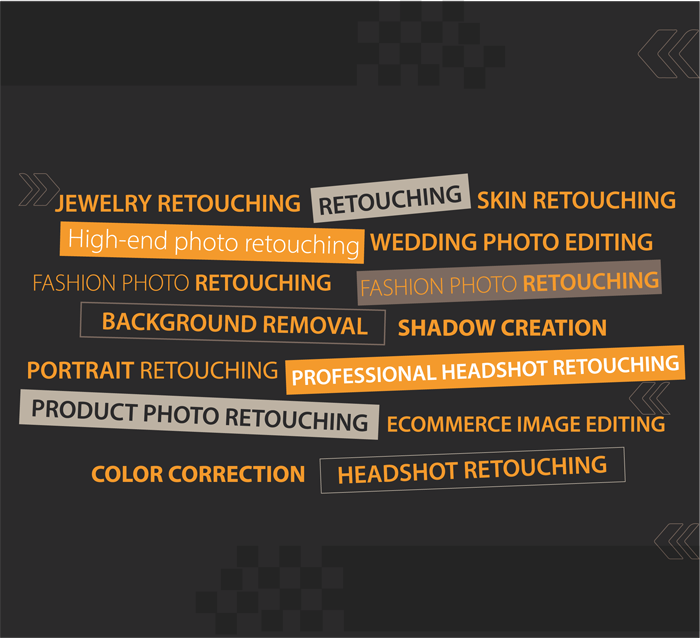
What E-Commerce Photo Editing Actually Includes
Background removal and replacement, Some marketplaces, including Amazon for its main product image, require or strongly favour a pure white background (RGB 255,255,255). Editors clip the product out cleanly (including tricky edges like hair, fabric, or jewelry prongs) and drop in the required background.
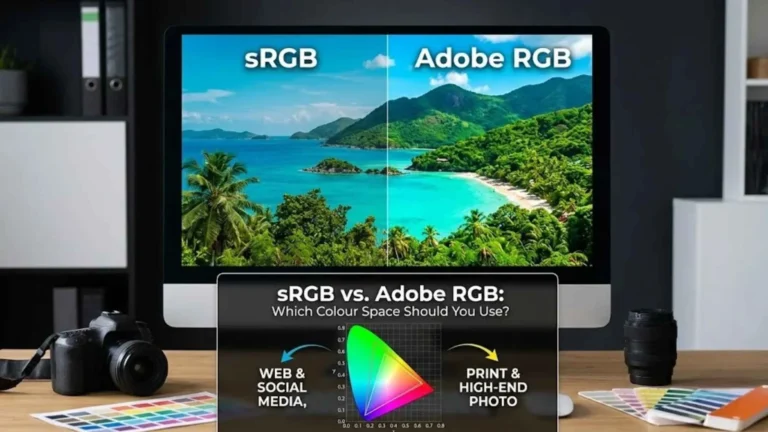
Color correction. Cameras and lighting rigs shift color casts constantly, a shirt that’s actually navy can photograph as slightly purple under warm lighting. Color correction brings the product back to its true color, which matters enormously for return rates: a customer who receives a product that doesn’t match the photo is a customer who returns it and leaves a bad review.
Shadow and reflection work. A product floating on a flat white background with zero shadow looks fake and cheap. A natural drop shadow or subtle reflection grounds the product and makes it feel real, a small detail that disproportionately affects how “premium” a listing feels.
Retouching. Dust, fingerprints, scratches, stray threads, packaging tape residue, anything that wouldn’t be on the product when a customer opens the box gets removed.
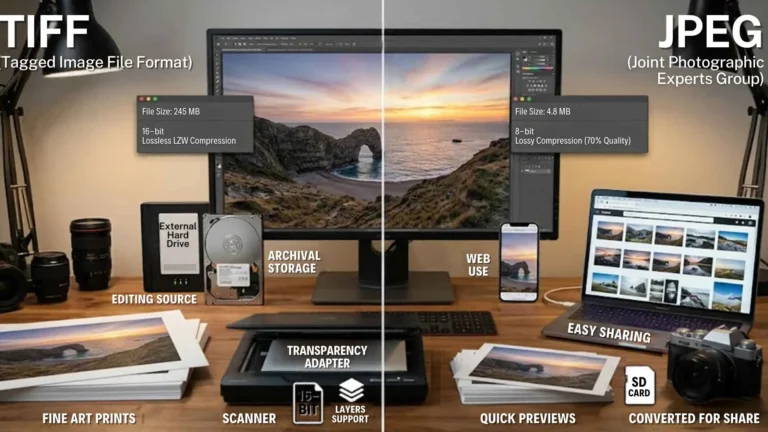
Resizing and formatting to platform specs. Every platform has different minimum resolutions, aspect ratios, and file-size limits. A photo that looks great on your desktop can get auto-cropped or rejected on upload if it doesn’t match spec.